App Icon Sizes 2026: iOS, App Store, Android & Google Play | IconCreator
App Icon Sizes: iOS, App Store, Android, Google Play and Web
Every app icon size in one place: 1024×1024 for iOS and the App Store, 512×512 for Google Play, 108×108 dp Android adaptive layers, and 192×192 and 512×512 for web apps.
·7 min read
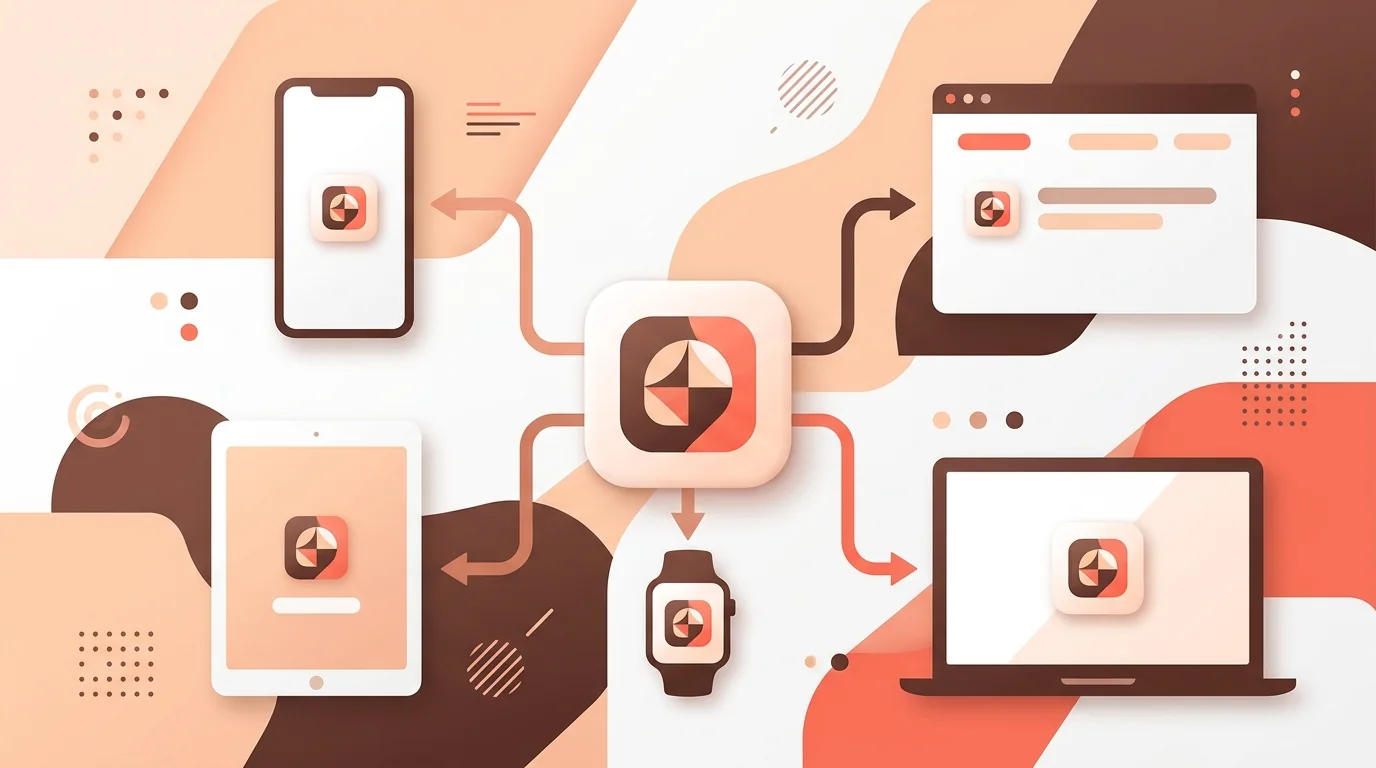
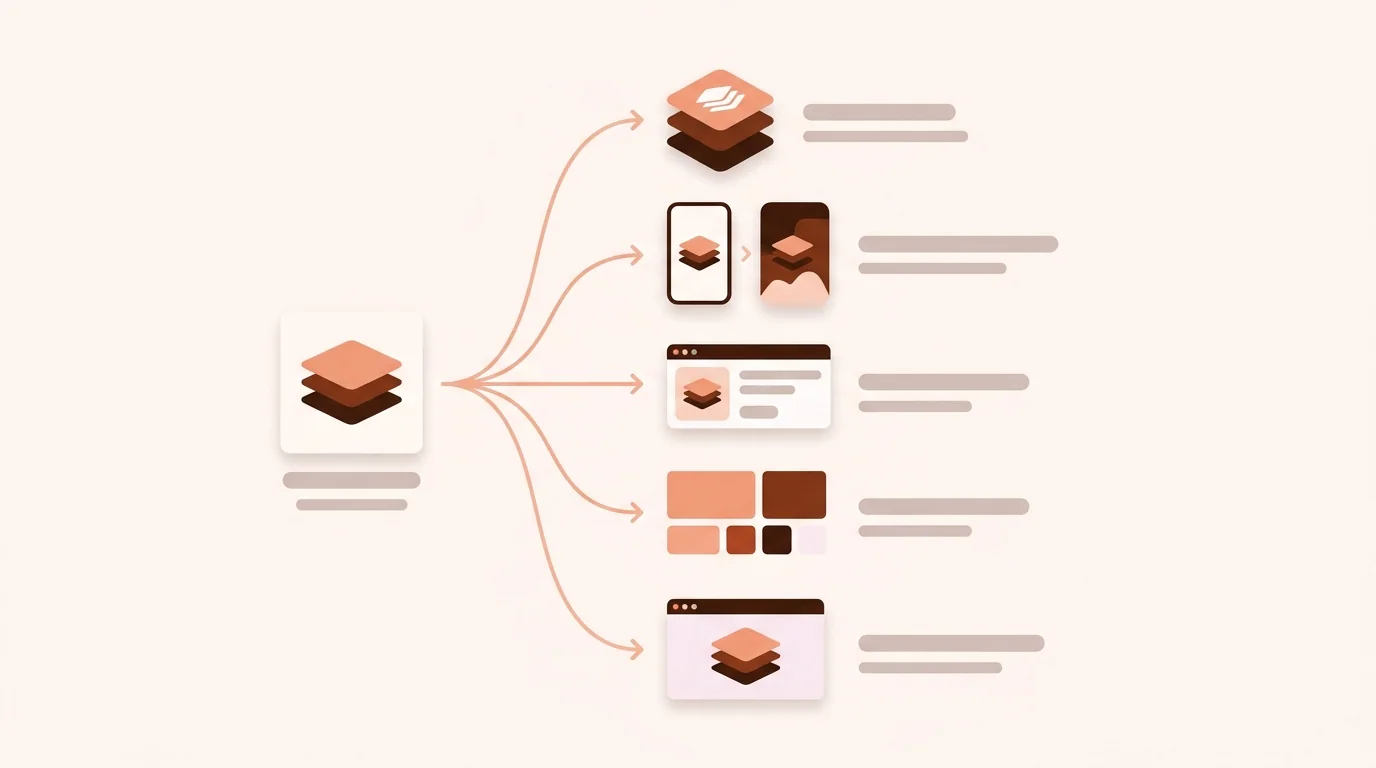
A clean master artwork should feed separate, validated deliverables for each platform rather than one file copied everywhere.
The main app icon sizes are 1024×1024 px for iOS and the App Store, 512×512 px for the Google Play listing, 108×108 dp layers for Android adaptive icons, and 192×192 and 512×512 px for web apps. Each platform then makes smaller versions from these.
App Icon Sizes at a Glance
iOS / iPadOS / App Store — 1024×1024 px PNG, no transparency, no rounded corners
macOS — 1024×1024 px (Icon Composer), packaged by Xcode
Google Play listing — 512×512 px, 32-bit PNG, max 1024 KB
Android adaptive icon — 108×108 dp foreground + background layers, logo inside the central 66×66 dp
Android legacy launcher — 48×48 dp (48 to 192 px by screen density)
PWA / web app — 192×192 and 512×512 px PNG in the manifest
Favicon — 32×32 px, plus 180×180 px Apple touch icon
Treat each platform as a separate output branch with its own validation.
Start with a Vector or High-Resolution Master
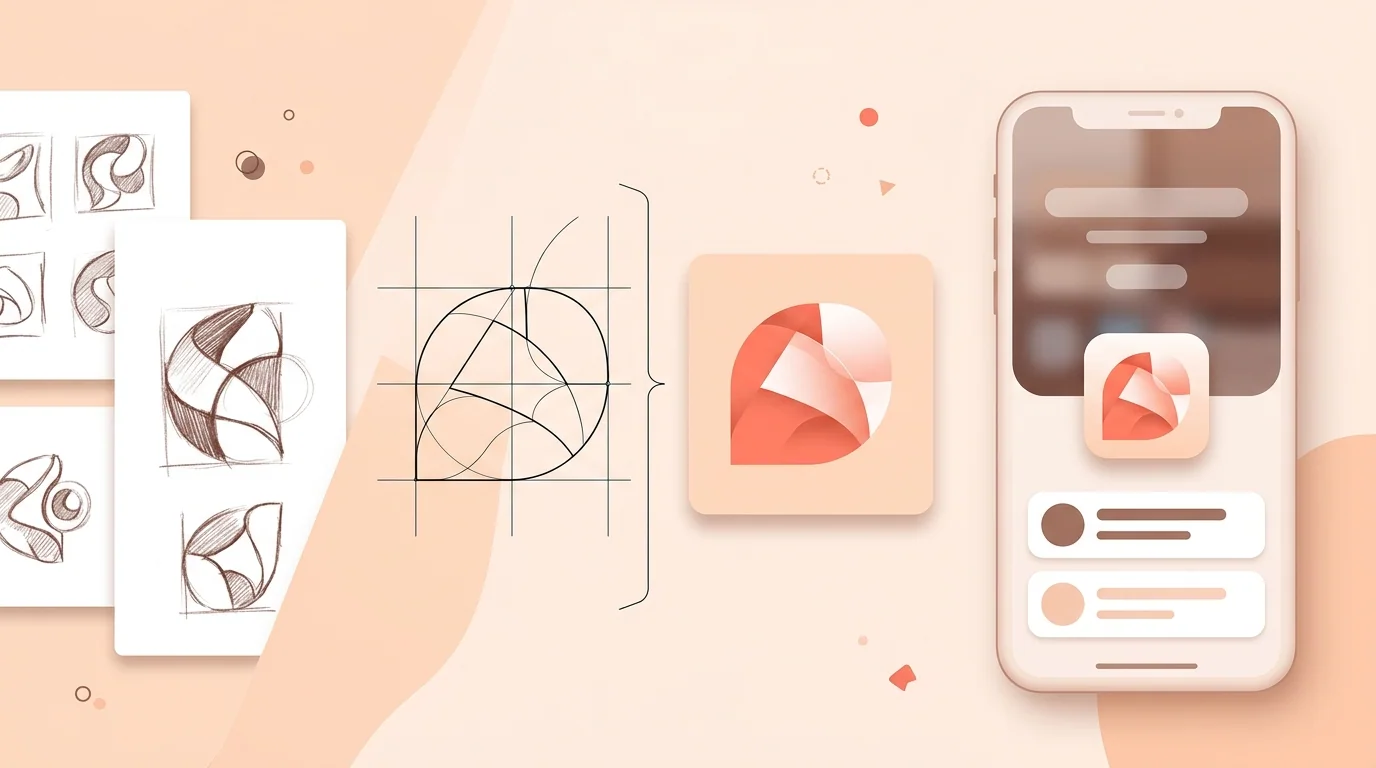
A vector master preserves editable geometry and makes controlled raster exports easier. Keep all live shapes, color definitions, appearance variants, and platform layers. If the source must be raster, work at least at the largest required delivery size and avoid repeatedly enlarging compressed artwork.
Use a square artboard but do not bake in platform corner masks. Keep critical content away from edges, and test optical scale after masking. Export in an appropriate color space, inspect transparency, and avoid metadata or optimization steps that unexpectedly change dimensions or alpha.
iOS and iPadOS App Icon Sizes
Apple's Human Interface Guidelines list a 1024 by 1024 pixel square layout for iOS and iPadOS, with a rounded-rectangle system mask and layered styling. The current workflow imports foreground artwork into Icon Composer, defines the background, applies material behavior, annotates appearances, previews, and integrates the result with Xcode.
Xcode asset catalogs can also generate required device variations from a single 1024 by 1024 source when using the supported single-size configuration. Apple's documentation allows individual variants when a design needs size-specific customization. This is more reliable than maintaining a copied legacy size list without understanding the active asset catalog.
Every iOS App Icon Size in Pixels
Xcode can make all of these from the single 1024×1024 image. You only need the full list if you want custom artwork for small sizes:
If you provide size-specific artwork, preserve the identity while simplifying fragile detail and adjusting optical weight. Do not merely resize and sharpen every slot independently. Validate relevant flattened assets with iOS App Icon Checker, then confirm the actual asset catalog builds without warnings.
Android Adaptive Icon Dimensions
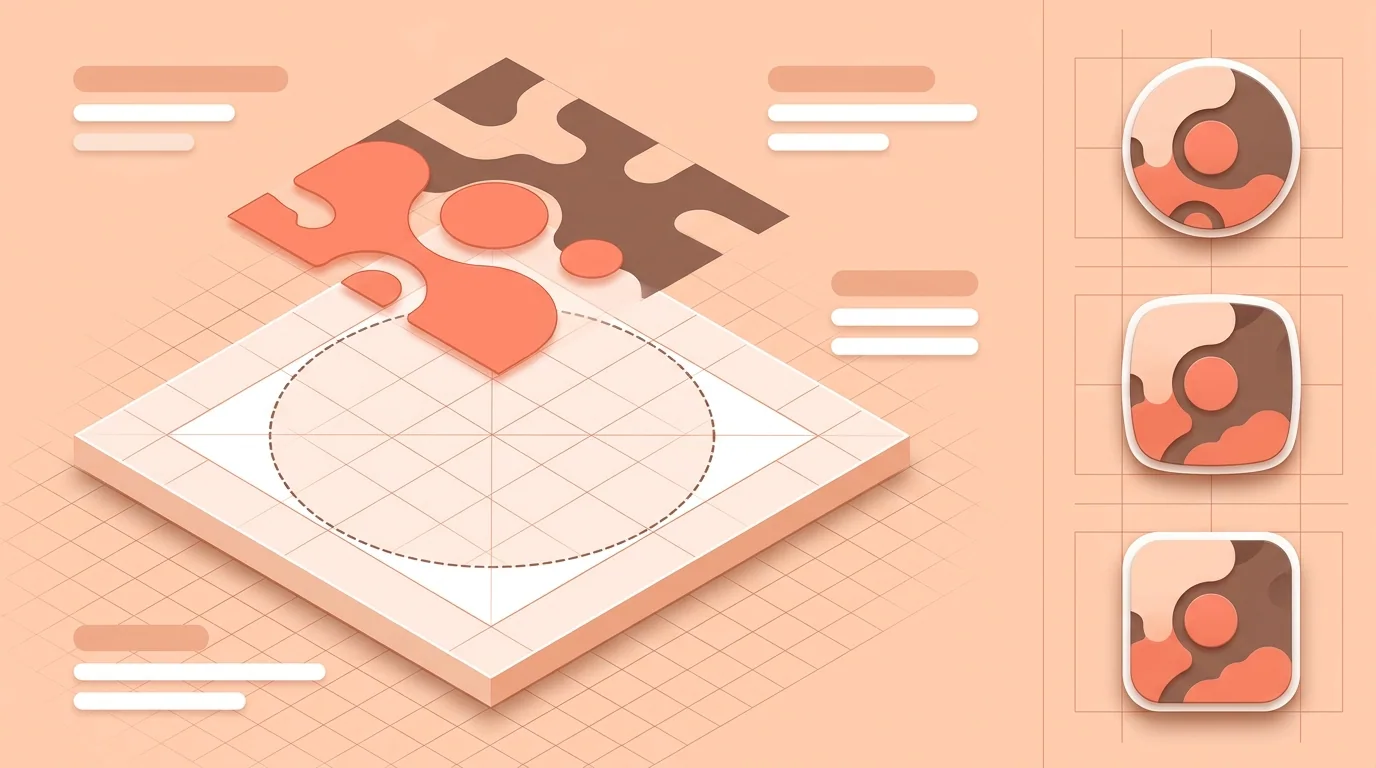
Android adaptive icon layers are 108×108 dp. Keep the logo inside the central 66×66 dp safe zone, because launchers crop the outer 18 dp on each side into circles, squircles and other shapes. Foreground and background are separate layers so the system can animate and mask them.
The color version requires foreground and background layers. A monochrome layer supports themed icon treatment on applicable Android versions and launchers. Vectors are preferred where suitable, though bitmap layers are supported. Avoid putting a background shadow or pre-shaped launcher mask around the entire layer.
“For Android, think in layers and safe geometry first; density-specific pixels are an implementation detail generated from that design.”
Android Density Buckets
Android converts dp to pixels according to screen density. For a 108 dp adaptive layer, common raster equivalents are 108 pixels at mdpi, 162 at hdpi, 216 at xhdpi, 324 at xxhdpi, and 432 at xxxhdpi. These numbers describe full adaptive layers, not the size of the protected logo inside them.
Android Studio's Image Asset Studio can generate adaptive, legacy, round, and store preview resources into the expected mipmap directories. Preview circle, squircle, rounded-square, and other masks. Use Android Adaptive Icon Checker to inspect layer setup, then test on launchers that represent your audience.
The full 108 dp layer provides room for masks and effects; essential identity belongs in the protected center.
Google Play Store Icon Size
The Google Play icon size is 512×512 pixels: a 32-bit PNG with transparency allowed, no larger than 1024 KB. Google adds the rounded corners and shadow itself, so upload a full square. This listing icon is separate from the launcher icon inside your app.
Google also restricts misleading icon content. Do not add rankings, prices, promotional claims, Play categories, fake notification indicators, or symbols that imply a relationship with another company. Run the listing file through Google Play Icon Checker before upload and inspect the Play Console preview.
PWA and Web App Icon Sizes
A web app manifest describes icons with src, sizes, type, and optionally purpose. Chromium's installability documentation commonly calls for 192 by 192 and 512 by 512 pixel icons. Include explicit PNG files rather than expecting every browser to rasterize an SVG in the same installation workflow.
A maskable icon lets supported systems crop the artwork into varied shapes without adding an unwanted letterbox. Keep essential content within the maskable safe area and declare purpose as maskable, or any maskable, according to the intended use. Also provide conventional favicon assets for browser tabs and bookmarks; those are separate from install icons.
macOS, Windows, and Other Desktop Icons
Current Apple guidance brings macOS into the 1024 by 1024 layered Icon Composer system for supported workflows. Windows applications commonly package multiple raster sizes in an ICO file, while Microsoft Store submissions and packaged apps have additional visual asset slots and scale-qualified resources. Linux desktop environments generally use PNG or SVG files installed at standardized theme sizes.
Desktop delivery varies substantially by framework. Electron, .NET, native Xcode, Flatpak, Snap, and distribution stores may ask for different containers or metadata. Follow the packaging documentation for the framework and channel you actually ship, and verify the installed result at taskbar, Dock, launcher, file, and settings sizes.
A Reliable Export Workflow
Freeze an approved master, then create a manifest of outputs by platform. Export Apple layers or source, Android foreground, background, and monochrome resources, the separate Google Play PNG, web manifest images, favicons, and desktop containers. Name files predictably and keep generated assets out of manual editing so the pipeline remains repeatable.
Use App Icon Resizer for common derivatives after the master is approved, but do not expect resizing to invent adaptive layers or appearance variants. Check every output for dimensions, format, file size, alpha, edge quality, and correct placement. Then test the packaged app, not just files in a folder.
Common App Icon Size Mistakes
Typical mistakes include uploading the Google Play listing image as the only launcher resource, flattening Android adaptive layers, baking rounded corners into Apple artwork, supplying a tiny PNG enlarged to 1024 pixels, confusing points with pixels, and assuming transparent padding is a safe zone. Another is trusting a legacy checklist over the active project tool.
A dimension can be correct while the asset is still wrong. The central symbol may clip, alpha may violate a target's expectations, the wrong color profile may shift brand color, or the icon may include prohibited metadata claims. Combine technical checks with visual and policy review.
App Icon Sizes FAQ
What is the standard app icon size?
1024×1024 px for iOS and the App Store, 512×512 px for Google Play, and 108×108 dp layers for Android adaptive icons. Smaller sizes are generated from these.
Is an iOS app icon 1024×1024 pixels?
Apple's current guidance lists a 1024×1024 pixel square layout for iOS and iPadOS. Icon Composer and Xcode produce the system-aware app resources from the prepared source.
What sizes does an iPhone app icon use?
180×180 and 120×120 on the home screen, 80×80 and 120×120 in Spotlight, 87×87 and 58×58 in Settings, and 60×60 and 40×40 in notifications. Xcode generates them from the 1024×1024 image.
What size is a Google Play icon?
Google Play requires a 512×512 pixel 32-bit PNG with alpha and a maximum file size of 1024 KB for the store listing.
Is the Google Play icon the Android launcher icon?
No. Google explicitly states that the listing icon does not replace the launcher icon inside the app. Adaptive launcher assets use separate layers.
What size are Android adaptive icon layers?
Official Android guidance sizes foreground, background, and optional monochrome layers at 108×108 dp, with essential logo content kept within the central safe area.
Which icon sizes does a PWA need?
Common install guidance includes 192×192 and 512×512 PNG icons declared in the web app manifest. Add a maskable asset and conventional favicons as needed.
Can I resize one PNG for every platform?
Not reliably. Platforms need different layers, appearances, masks, formats, and policy checks. Use one editable identity system but create platform-specific outputs.
Should app icons have transparent backgrounds?
It depends on the asset. Google Play accepts a 32-bit PNG with alpha, Android foreground layers use transparency, and Apple or desktop packaging has its own handling. Follow each exact target requirement.