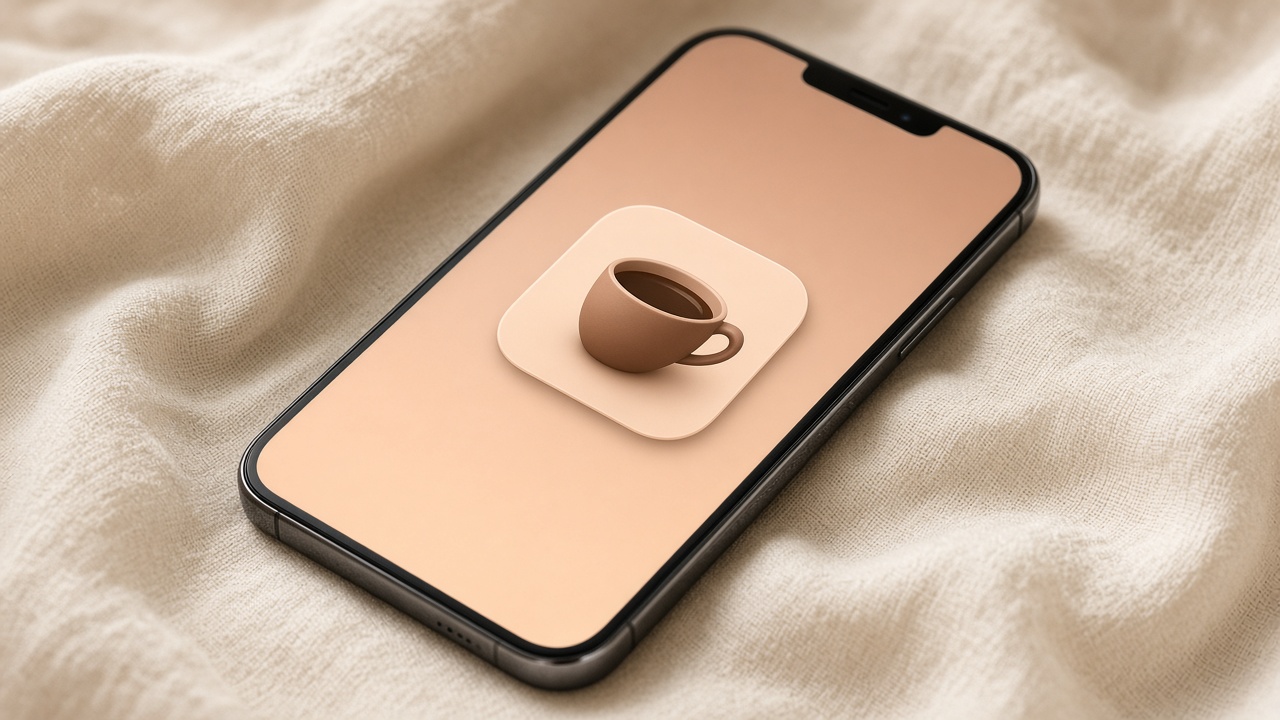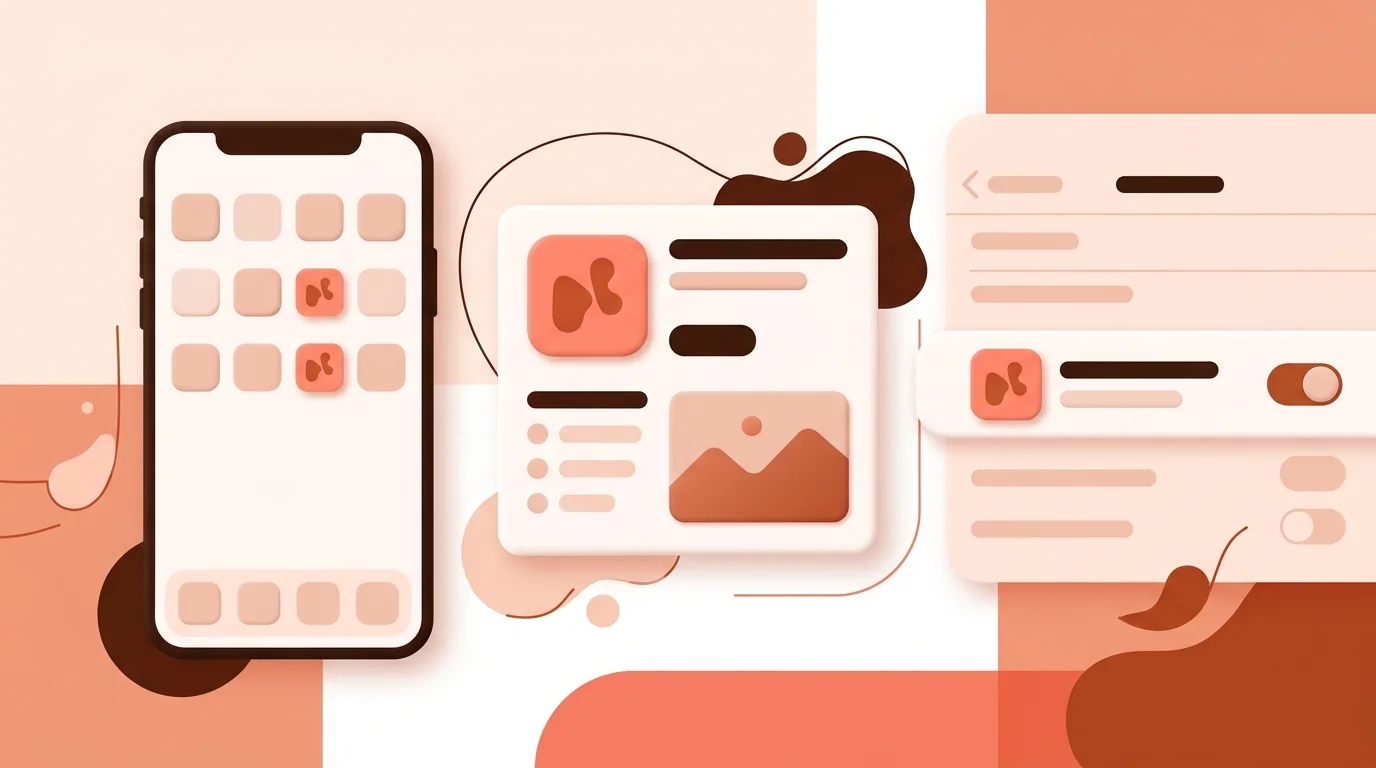
An app icon is the small image that represents an app. It's what you tap on your home screen, and it's the first thing people see in the App Store and Google Play, in search, notifications and settings.
Where App Icons Appear
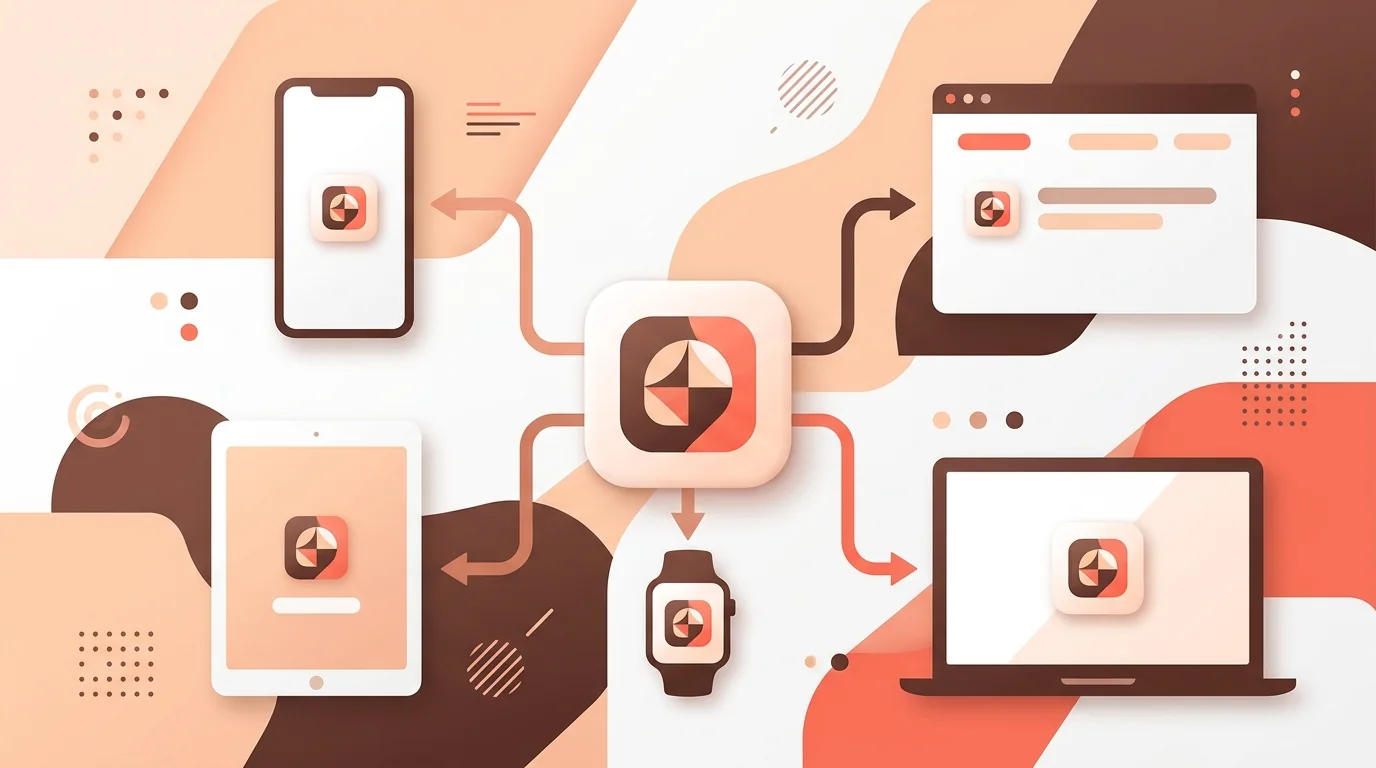
• Home screen and app drawer • App Store and Google Play listings and search results • Notifications, settings and the share sheet • Spotlight and system search
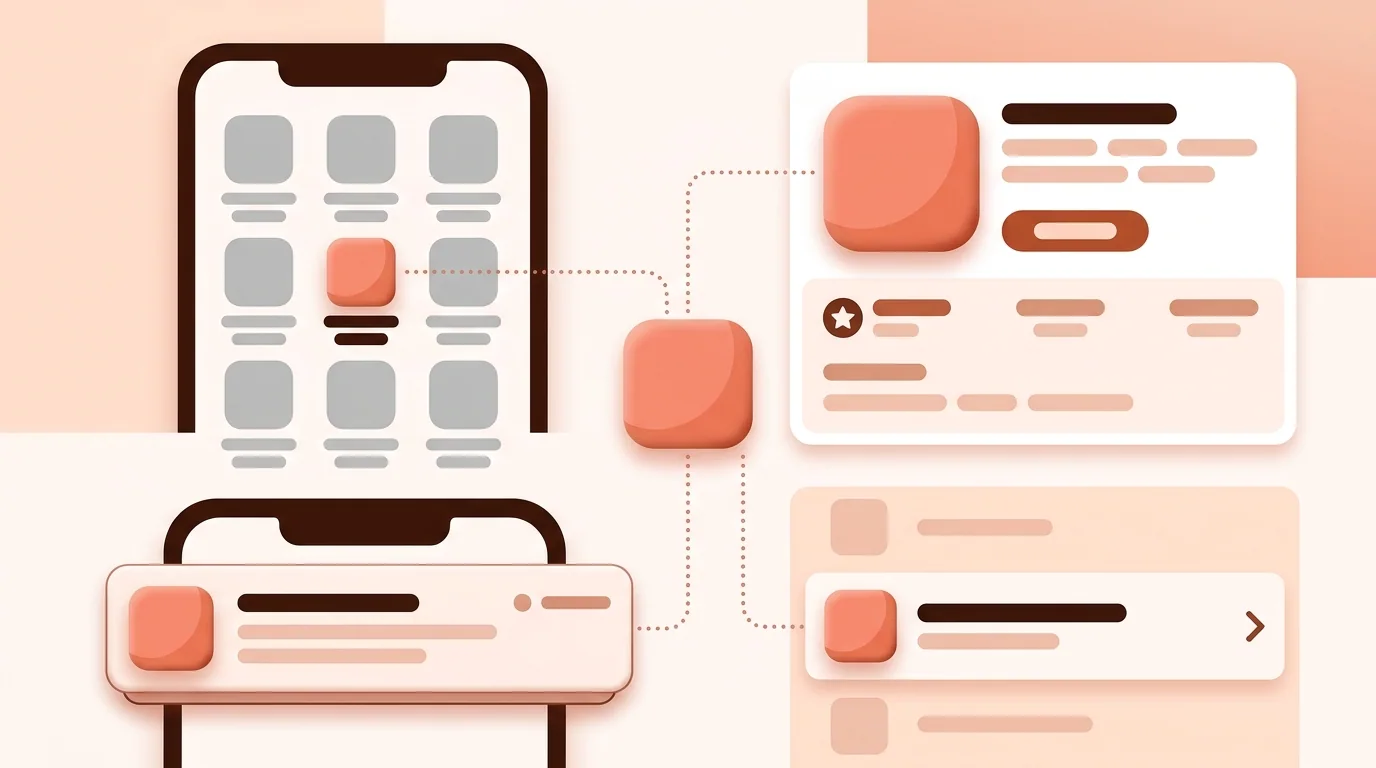
App Icon Sizes
iOS and App Store — 1024×1024 px Google Play listing — 512×512 px Android adaptive icon — 108×108 dp layers Web app (PWA) — 192×192 and 512×512 px
Each platform makes the smaller sizes from these. Full list: App Icon Sizes: iOS, App Store, Android, Google Play and Web.
What Makes a Good App Icon
• One simple, recognizable symbol • Readable at small sizes, even 29 px in Settings • Strong contrast on light and dark wallpapers • No words beyond a single letter • Full square artwork; the system adds rounded corners and masks
Common mistakes are covered in App Icon Design Mistakes and How to Fix Them.
App Icon vs Logo
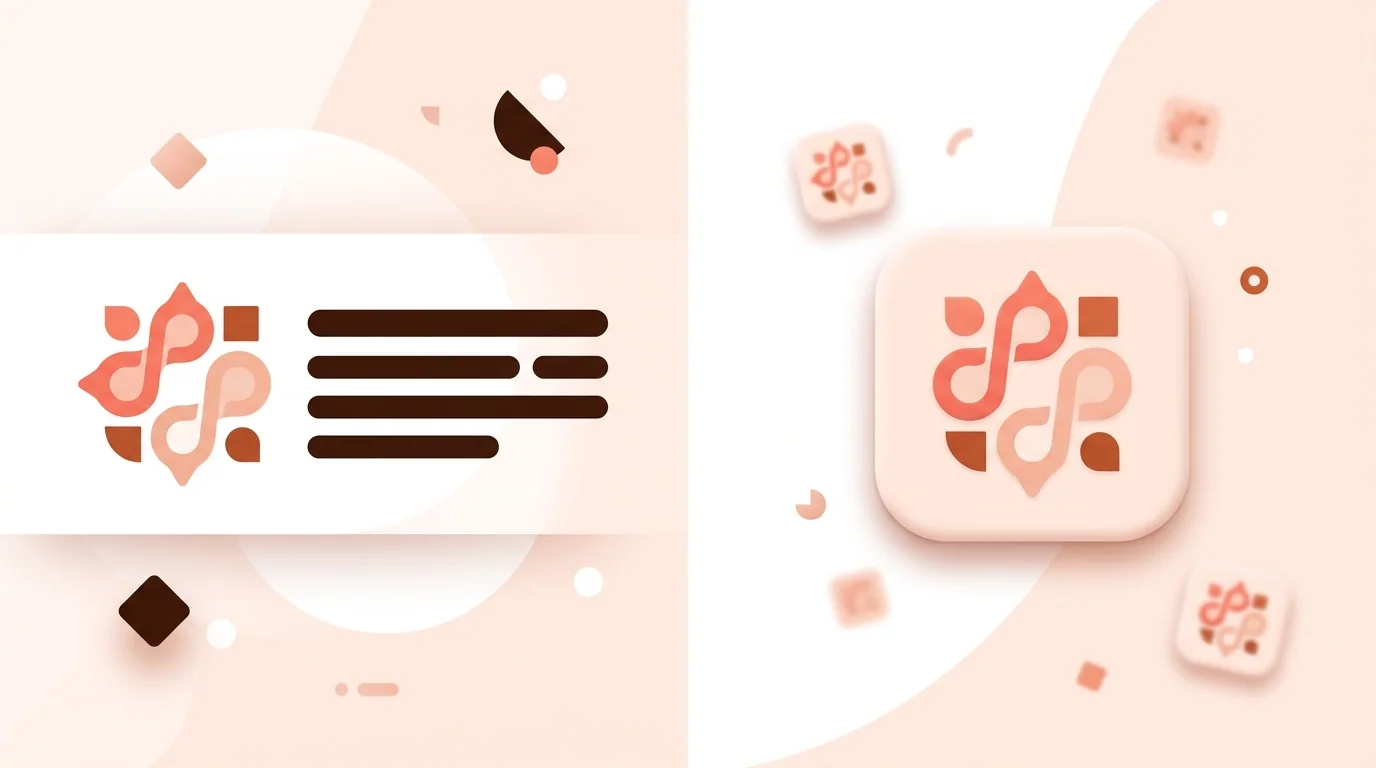
A logo can be wide and include the company name. An app icon is always a square, usually just a symbol, built to work as small as a fingertip. Many brands simplify their logo into a separate app icon.