IconCreator
IconCreator

Studios

LogoApp icon

Resources

Icon libraryColor palettes
  • All free tools
  • App icon checker
  • App icon previewer
  • App icon resizer
  • iOS icon checker
  • Google Play icon checker
  • Adaptive icon checker
  • Favicon checker
  • PNG to ICO
  • App icon templates
  • PNG to SVG
  • SVG to PNG
  • Resize assets
GuidesBlog

Loading account…

/
Pricing

Free tools

App Icon Templates

Correct canvas, mask and safe zone for every platform. SVG, free.

Free · No signup · Works in Figma, Illustrator and Sketch
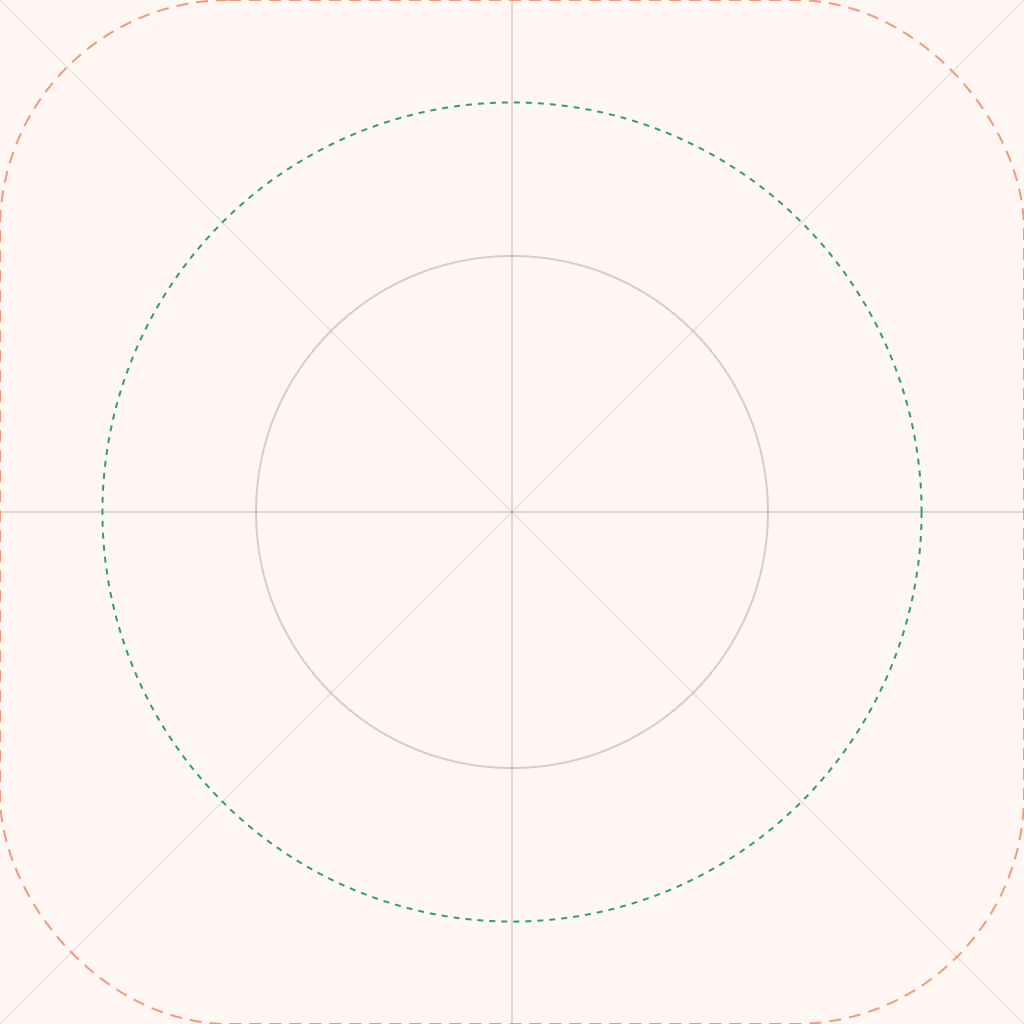
  • iOS / iPadOS / Mac app icon template

    iOS / iPadOS / Mac

    1024 × 1024 px

    Dashed line shows the rounded mask iOS applies.

    Download SVG
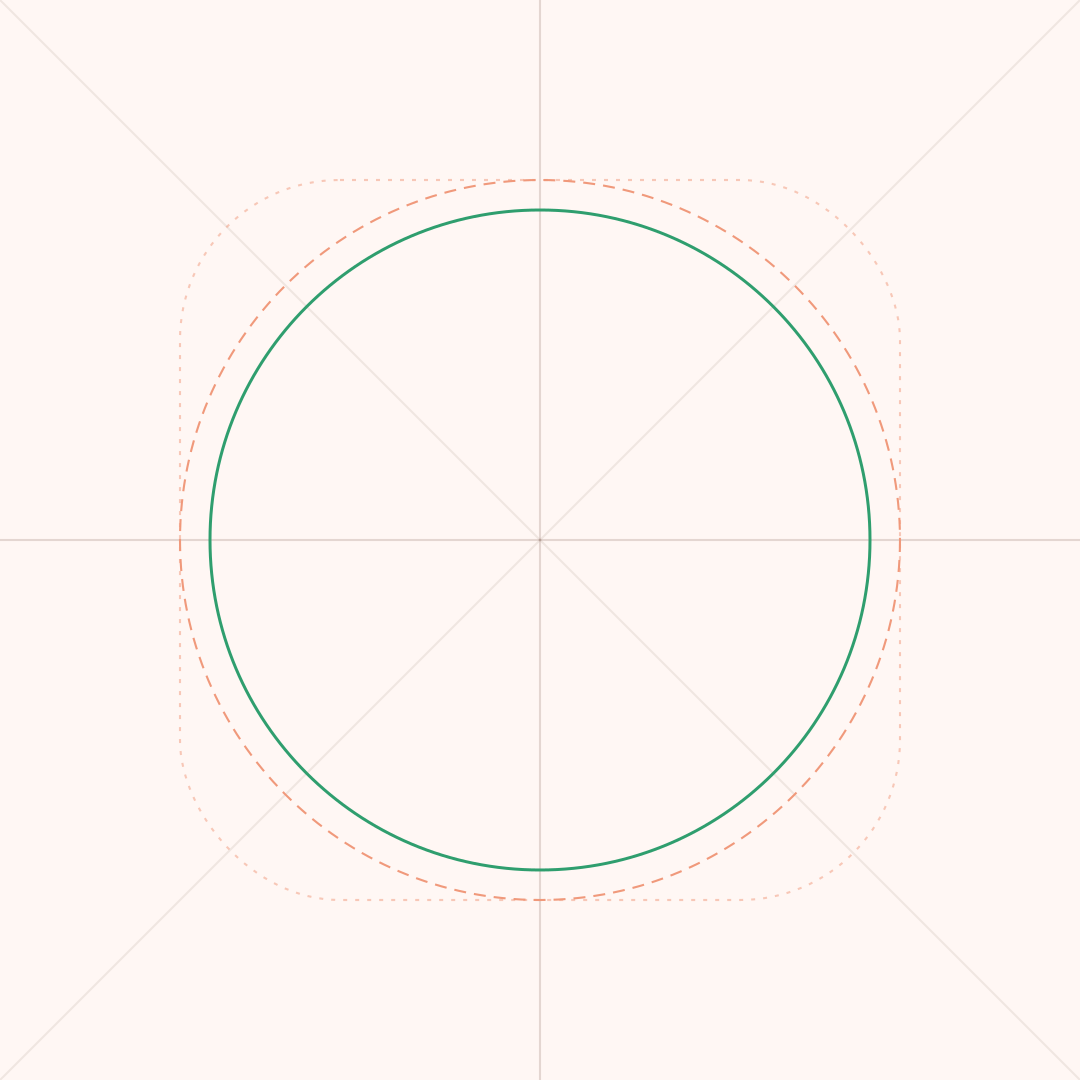
  • Android adaptive app icon template

    Android adaptive

    108 × 108 dp

    Green circle is the 66 dp safe zone.

    Download SVG
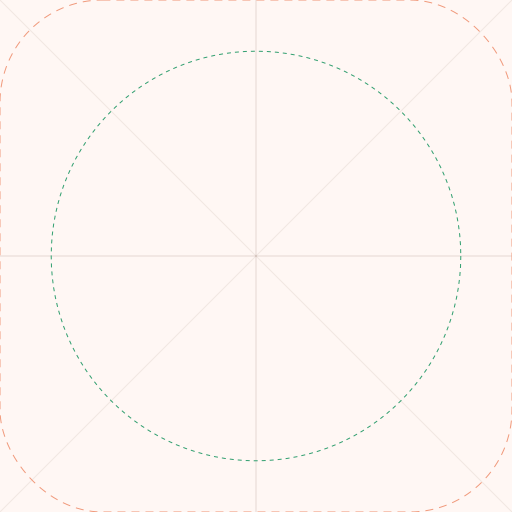
  • Google Play app icon template

    Google Play

    512 × 512 px

    Dashed line shows Google's 20% corner radius.

    Download SVG
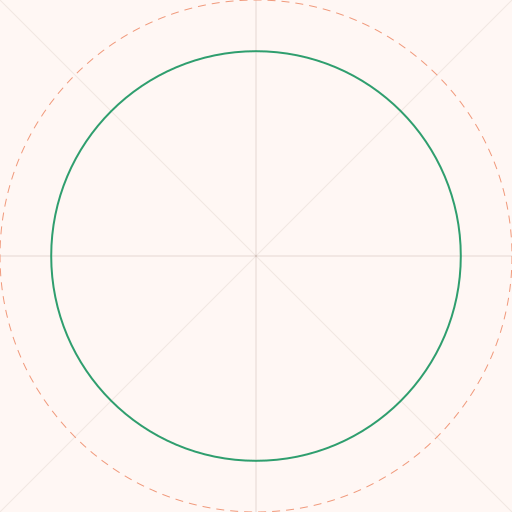
  • PWA maskable app icon template

    PWA maskable

    512 × 512 px

    Green circle is the maskable safe zone.

    Download SVG

How to use

  • 1Open the SVG in Figma, Illustrator or Sketch
  • 2Design inside the artwork layer, key shapes inside the green guide
  • 3Hide the guides layer and export PNG at the template size
  • 4Check the result in the App Icon Previewer

Frequently asked questions

What size is an app icon template?+

1024×1024 px for iOS and the App Store, 512×512 px for Google Play, and 108×108 dp layers for Android adaptive icons.

Should I round the corners in my design?+

No. Fill the full square. iOS, Android and Google Play apply their own mask, so pre-rounded corners look doubled.

Can I use these templates in Figma?+

Yes. Drag the SVG into Figma. The artwork and guides are separate layers.

What is the Android safe zone?+

The central 66 dp of the 108 dp canvas. Launchers can crop everything outside it into circles, squircles and other shapes.

Are these Apple's official templates?+

No. They're IconCreator layout guides with the platform sizes. Apple also publishes official templates with its full icon grid on the Apple Design Resources page.

Can I use the templates commercially?+

Yes. They're free to use for any app, personal or commercial.

Done designing?

See your icon on iPhone and Android home screens and in the app stores.

Open App Icon Previewer

Related tools

  • App Icon PreviewerOpen
  • App Icon ResizerOpen
  • Android Adaptive Icon TesterOpen
  • App icon sizes guideOpen
IconCreator

Create

  • AI Logo Maker
  • AI Icon Generator
  • App Icon Generator
  • AI App Icon Generator
  • Favicon Generator
  • Brand Kit Generator
  • Free Logo Maker AI
  • Free AI Logo Generator

Free tools

  • All tools
  • App Icon Checker
  • App Icon Previewer
  • App Icon Resizer
  • iOS Icon Checker
  • Google Play Icon Checker
  • Adaptive Icon Checker
  • Favicon Checker
  • PNG to ICO
  • SVG to PNG
  • PNG to SVG
  • App Icon Templates

Logos for

  • Startups
  • Apps
  • Etsy shops
  • Looka alternatives

Resources

  • Icon Library
  • Color Palettes
  • Blog
  • How to make an app icon
  • How to make a logo with AI

© 2026 IconCreator

PrivacyTerms

Featured on

Fazier badgeLaunched on StartupBaseGood AI ToolsSaaS FieldFeatured on Findly.toolsIconCreator — Featured on Smol LaunchFeatured on AI DirectoriesAI Tool TrekTop Startup TopAIToolsReviewOpenHunts Club MemberShowMySitesListed on Uno DirectoryFindGreatSites
HomeLogoApp iconTools