
What Is an App Icon? Meaning, Sizes and What Makes a Good One
An app icon is the image that represents an app on a phone's home screen and in the app stores. What it does, the sizes each platform needs and what makes one work.
Read article →IconCreator blog
Current guidance for app icons, adaptive assets, favicons, formats, testing, and production-ready design workflows.
An app icon is the image that represents an app on a phone's home screen and in the app stores. What it does, the sizes each platform needs and what makes one work.
Read article →
A favicon is the small icon that represents a website in browser tabs, bookmarks and Google results. What it's for, which sizes you need and how to add one.
Read article →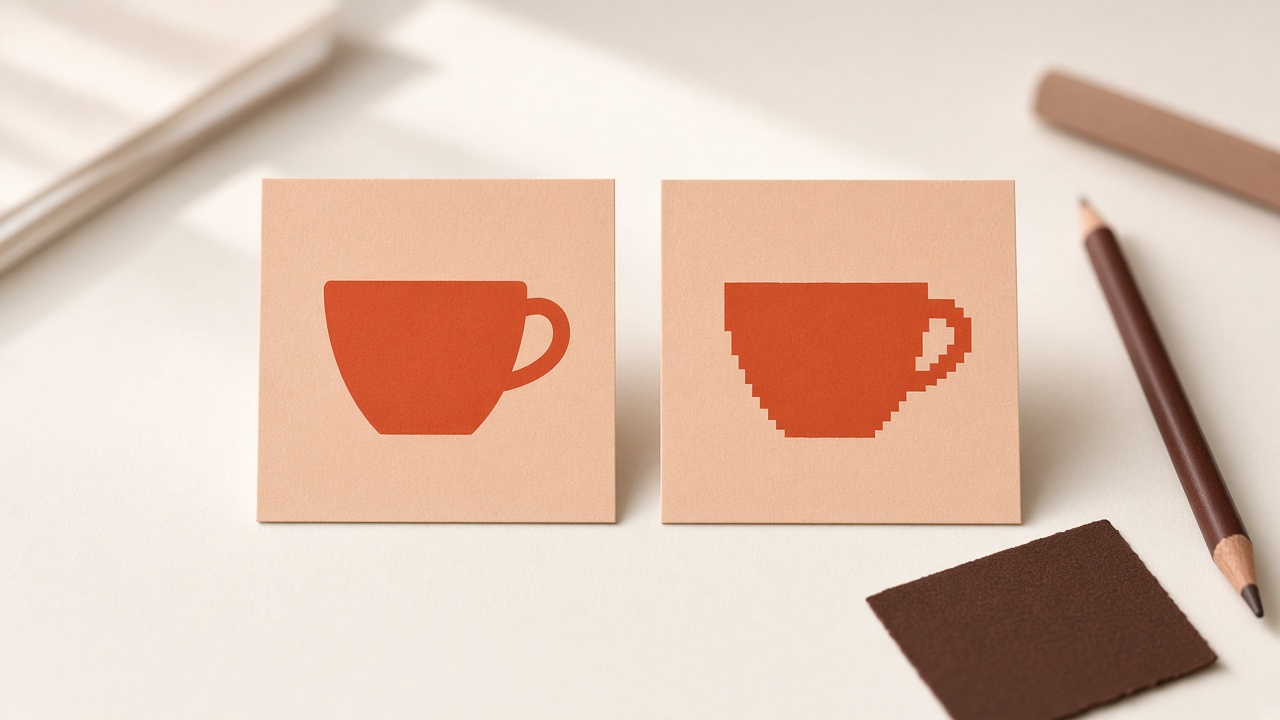
Compare SVG and PNG icons by scaling, rendering, transparency, accessibility, security, performance, and platform support to choose the right production format.
Read article →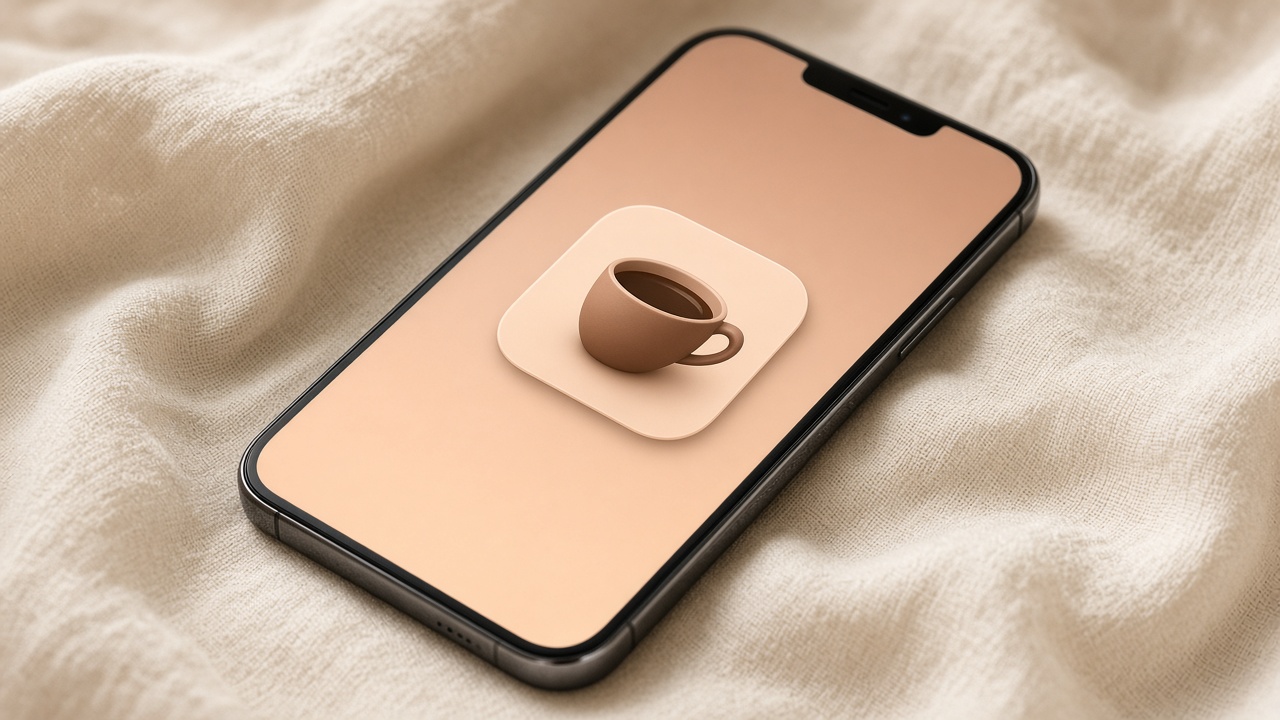
A careful guide to iOS 26 app icons based on Apple's Icon Composer and Human Interface Guidelines, including layers, Liquid Glass, appearances, previews, and Xcode handoff.
Read article →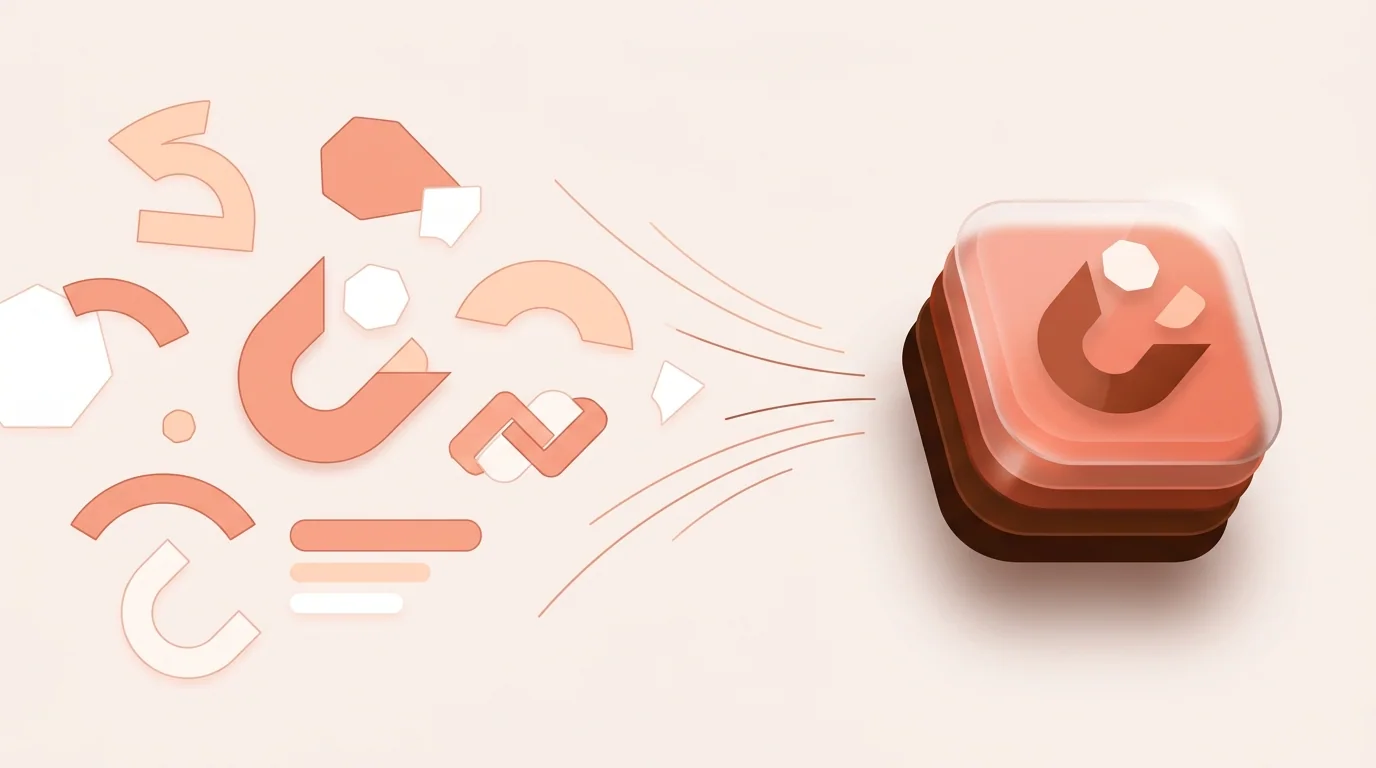
How to use Apple's Icon Composer: open it from Xcode, import SVG or PNG layers, organize up to four groups, set Liquid Glass, preview dark and mono modes, and add the .icon file to your Xcode project.
Read article →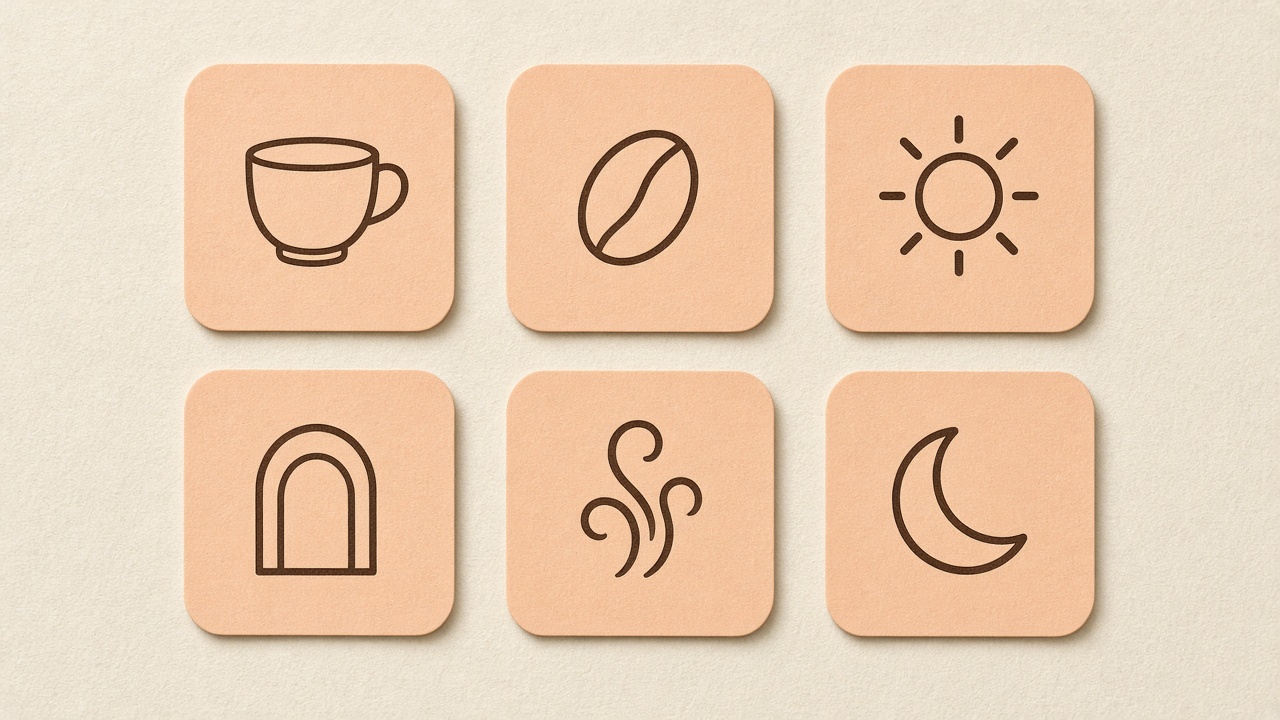
Build a coherent icon set with shared grids, stroke rules, corner language, optical sizing, naming, accessibility, documentation, and quality review.
Read article →
Change any app icon on iPhone with the Shortcuts app and your own image, or restyle every icon at once with Dark, Clear and Tinted modes. Free, no jailbreak.
Read article →
Change app icons on Android with themed icons, Samsung themes, an icon pack launcher, or a shortcut app that uses your own image. Steps for Pixel, Samsung and others.
Read article →
The favicon sizes most websites need: favicon.ico and a 32×32 PNG for browser tabs, a 180×180 Apple touch icon, 192×192 and 512×512 PNGs for web apps, and a 48 px multiple for Google Search.
Read article →
A careful comparison of current AI icon generation options, from vector-focused design tools to general image generators, plus a practical evaluation checklist.
Read article →
Every app icon size in one place: 1024×1024 for iOS and the App Store, 512×512 for Google Play, 108×108 dp Android adaptive layers, and 192×192 and 512×512 for web apps.
Read article →
Avoid common app icon mistakes involving detail, contrast, text, padding, masks, platform requirements, exports, brand consistency, and misleading previews.
Read article →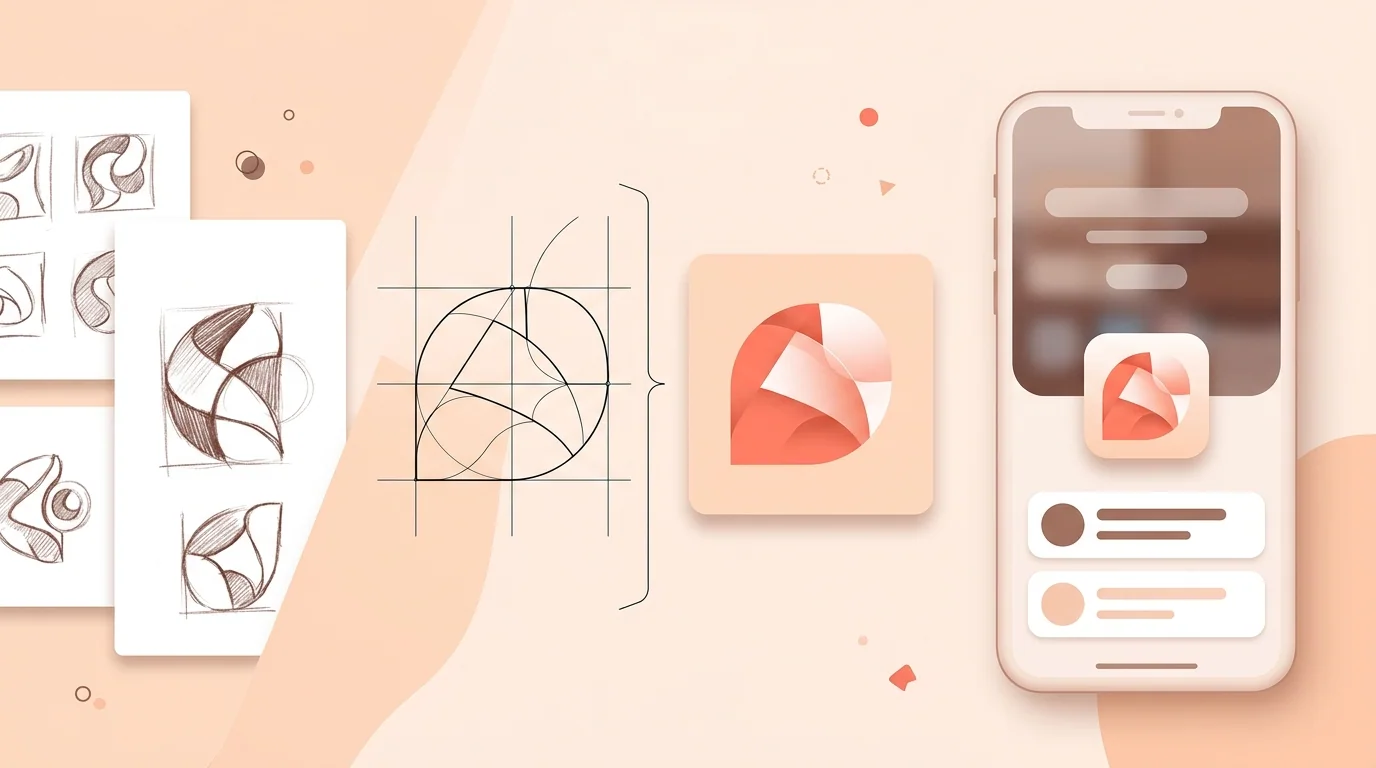
A practical app icon design process covering strategy, sketches, grids, color, small-size testing, iOS and Android preparation, and final validation.
Read article →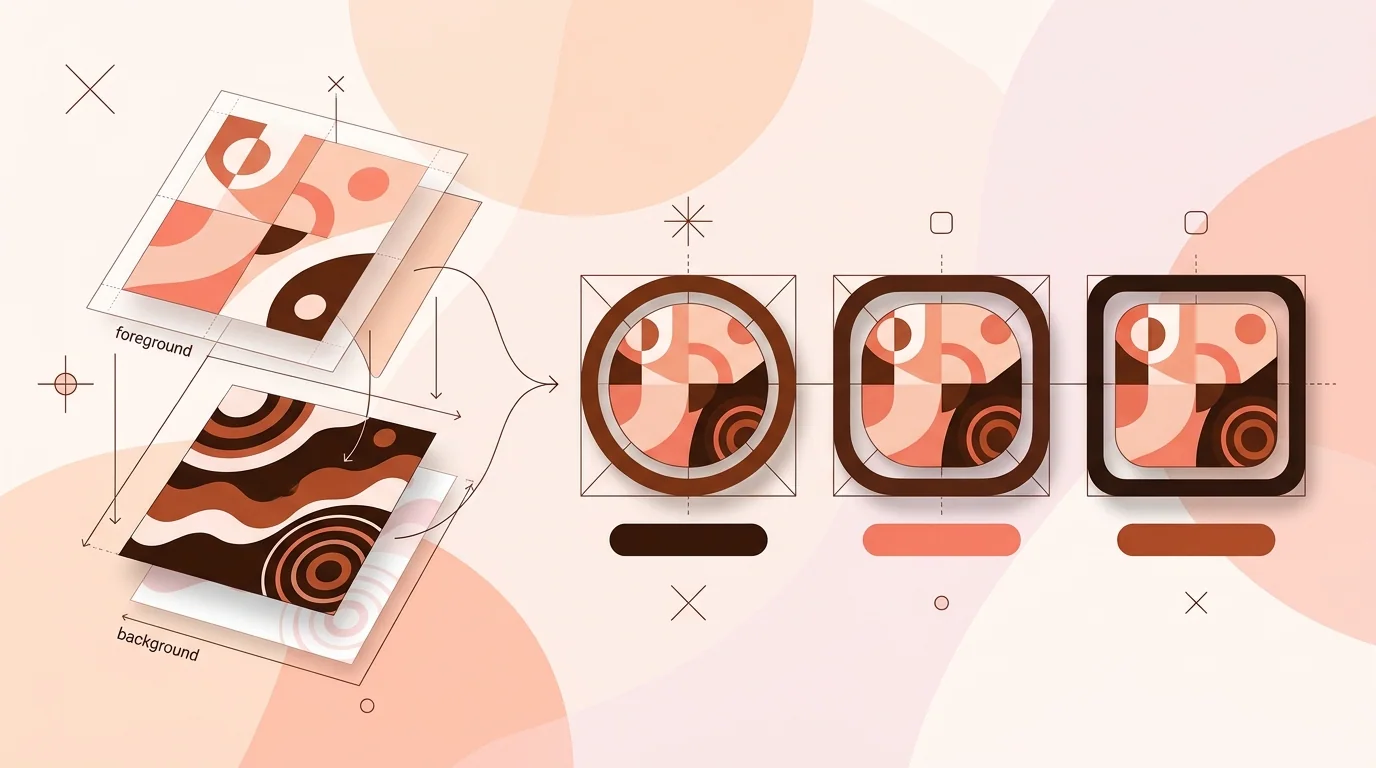
Learn how Android adaptive icons work, how to prepare foreground, background, and monochrome layers, and how to test an icon across masks and surfaces.
Read article →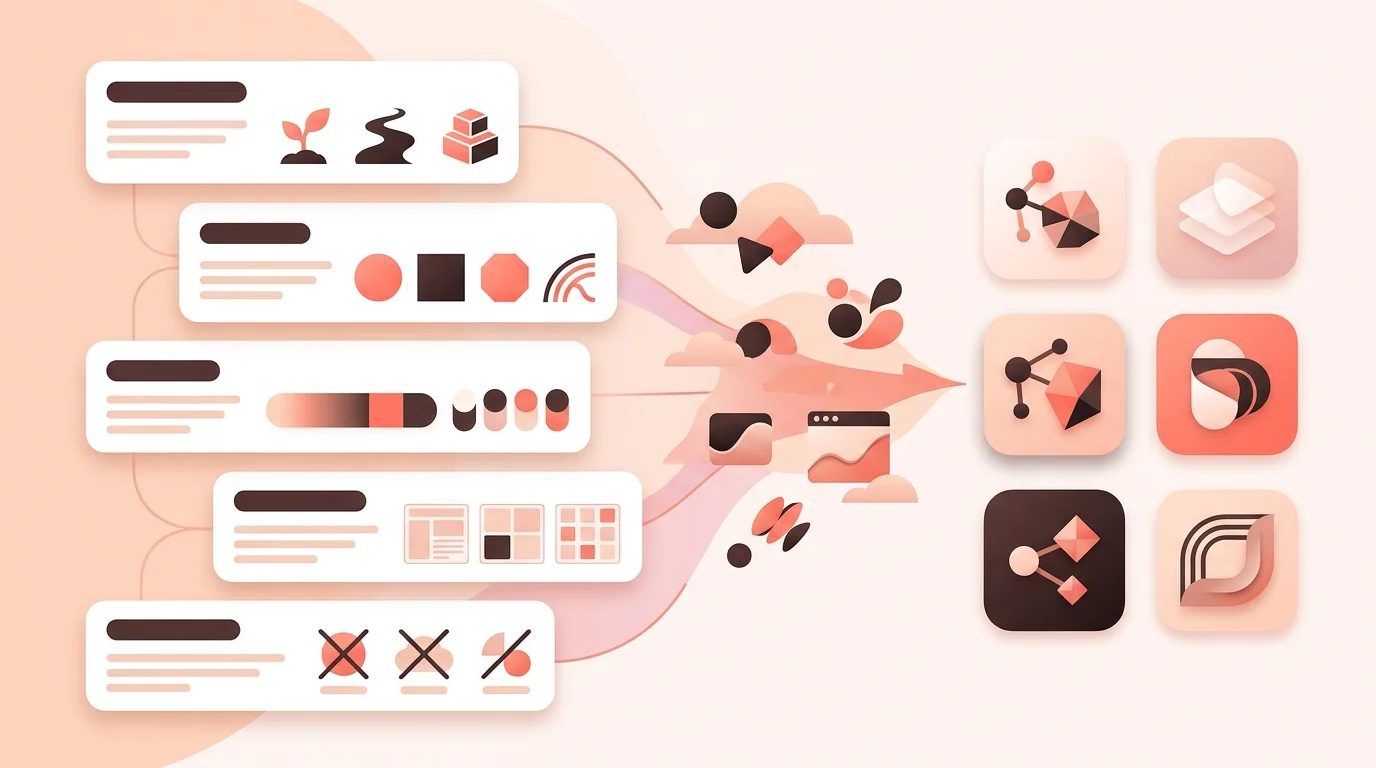
Learn how to write focused AI app icon prompts, control composition and style, avoid common failures, and adapt useful prompt examples to your product.
Read article →© 2026 IconCreator