Best AI Icon Generators: Current Options | IconCreator
Best AI Icon Generators: How to Compare Current Options
A careful comparison of current AI icon generation options, from vector-focused design tools to general image generators, plus a practical evaluation checklist.
·7 min read
The best AI icon workflow is the one that produces a distinctive, editable concept that remains clear after platform masking and downscaling.
AI can shorten the blank-page stage of icon design, but it does not remove the need for art direction, editing, or platform checks. A generated square image may look polished at full size and still fail as an app icon because its central symbol is unclear, its edges are too busy, or important details disappear behind a launcher mask.
This comparison reflects publicly described capabilities available in July 2026. Products, models, credits, export formats, and terms can change quickly, so verify the provider's current documentation before choosing a workflow. The options below are grouped by practical fit rather than ranked by an invented universal score.
What Counts as an AI Icon Generator?
The category includes several different products. Vector generators create editable paths or vector-style artwork. General image generators create raster concepts that may need tracing and cleanup. Template design platforms combine generation with layouts and brand controls. Specialized icon services narrow the interface around symbols or app tiles. These workflows should not be treated as interchangeable.
Before comparing tools, define the deliverable. A small interface symbol needs consistent stroke weight and a transparent background. A launcher icon needs a memorable central form, strong contrast, and safe spacing. A brand mark may need a clean vector master and legal review. A mood-board concept can remain raster and exploratory.
Judge every candidate against the intended output, not against a large presentation image.
Current Options Worth Comparing
Recraft for Vector-Oriented Exploration
Recraft publicly positions its studio around image and vector generation, editing, style controls, and export. That makes it relevant when the icon should end as editable vector artwork rather than only a bitmap. The useful test is not whether the first result looks finished; inspect anchor points, overlaps, gradients, negative space, and how easily the mark can be simplified.
Adobe Firefly and Illustrator for Creative Cloud Workflows
Adobe offers generative features across Firefly and Creative Cloud, including text-to-vector capabilities in Illustrator. This route can suit designers who already refine artwork in Illustrator and need generation to feed an established vector workflow. Adobe publishes information about model training and commercial-use considerations, but teams should still read the terms that apply to the model, account, and output they use.
Canva for Fast Concept Presentation
Canva combines AI media tools with a familiar template canvas. It can be convenient for presenting directions, applying brand colors, and placing an icon concept into launch graphics. Check the exact export and editing options available on your plan. A visually vector-like result is not necessarily a clean, production-ready vector file.
Midjourney for Broad Visual Ideation
Midjourney is a general image generator rather than an app-icon production pipeline. It can help explore materials, lighting, metaphors, and stylistic territories, especially when the brief is visually open. Its raster concepts normally require deliberate redrawing, typography removal, shape cleanup, and platform preparation before use as an icon.
OpenAI Image Generation for Conversational Iteration
OpenAI's image tools support instruction-led generation and editing in products that expose the relevant image model. A conversational loop can be useful for changing one element while retaining the broader direction. Availability, limits, and editing behavior depend on the product surface. Treat the output as artwork to inspect, not proof that store requirements have been met.
Specialized Icon Tools and IconCreator
Specialized services can reduce prompt complexity by focusing on icon-shaped outputs, style families, or symbol sets. Evaluate them with the same rigor as larger platforms: verify file formats, usage rights, deletion controls, editing depth, and whether examples represent real downloadable output. IconCreator's generator is coming soon, so the AI Icon Generator and App Icon Generator pages are useful to explore the planned direction but should not be read as a promise that generation or export is currently available.
“A strong generator supplies promising raw material. A strong icon workflow turns that material into a simple, recognizable, platform-safe asset.”
How to Run a Fair Comparison
Use the same brief in every tool. Specify the app purpose, one visual metaphor, desired geometry, palette, background treatment, and exclusions. Ask for a simple centered symbol with no letters unless typography is essential. Save the prompt, model name, date, settings, and output format so the comparison remains reproducible.
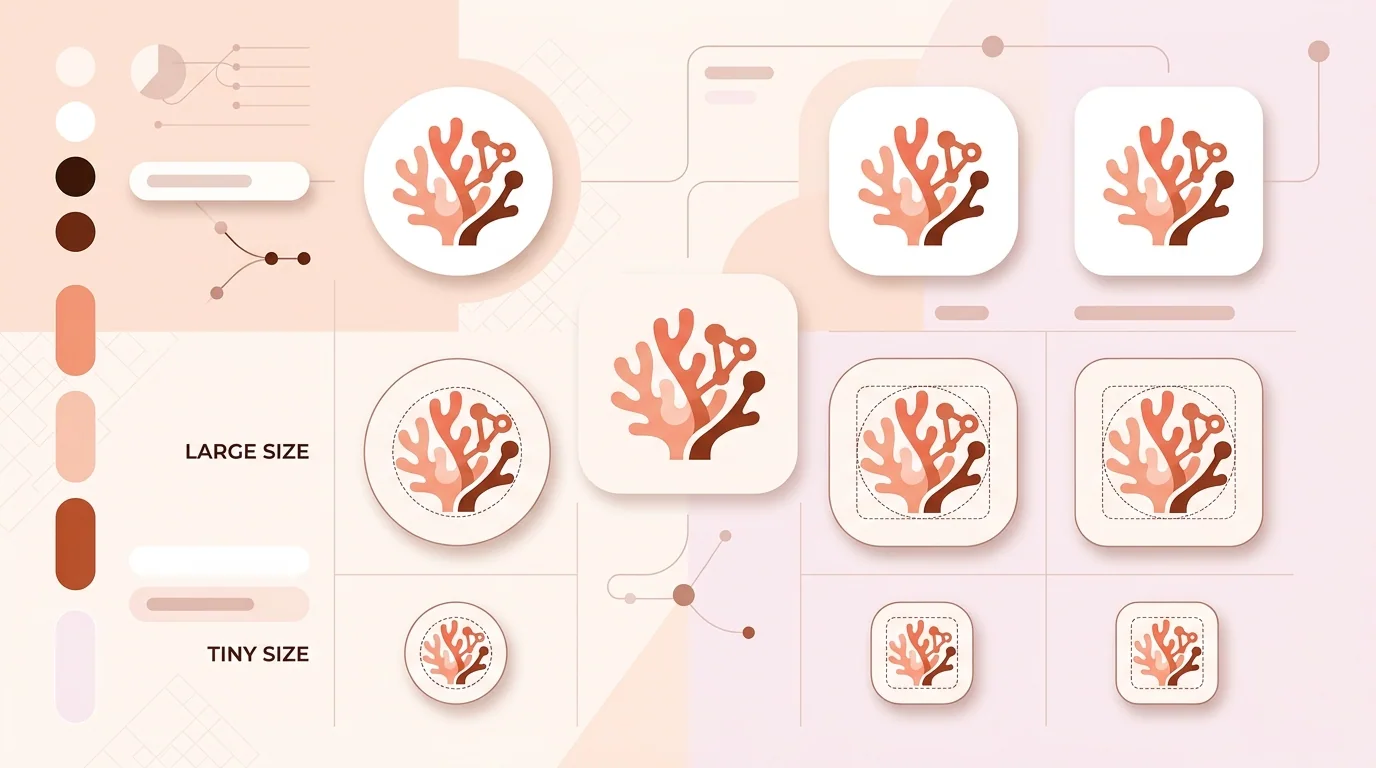
Review concepts first in monochrome. A silhouette that depends on texture or glow often weakens at small sizes. Then view each candidate at realistic launcher and settings sizes, on light and dark wallpapers, and under several masks. The free App Icon Previewer helps reveal whether a compelling large image still reads in context.
Mask and small-size previews expose fragile details before production work begins.
Five Criteria That Matter More Than Hype
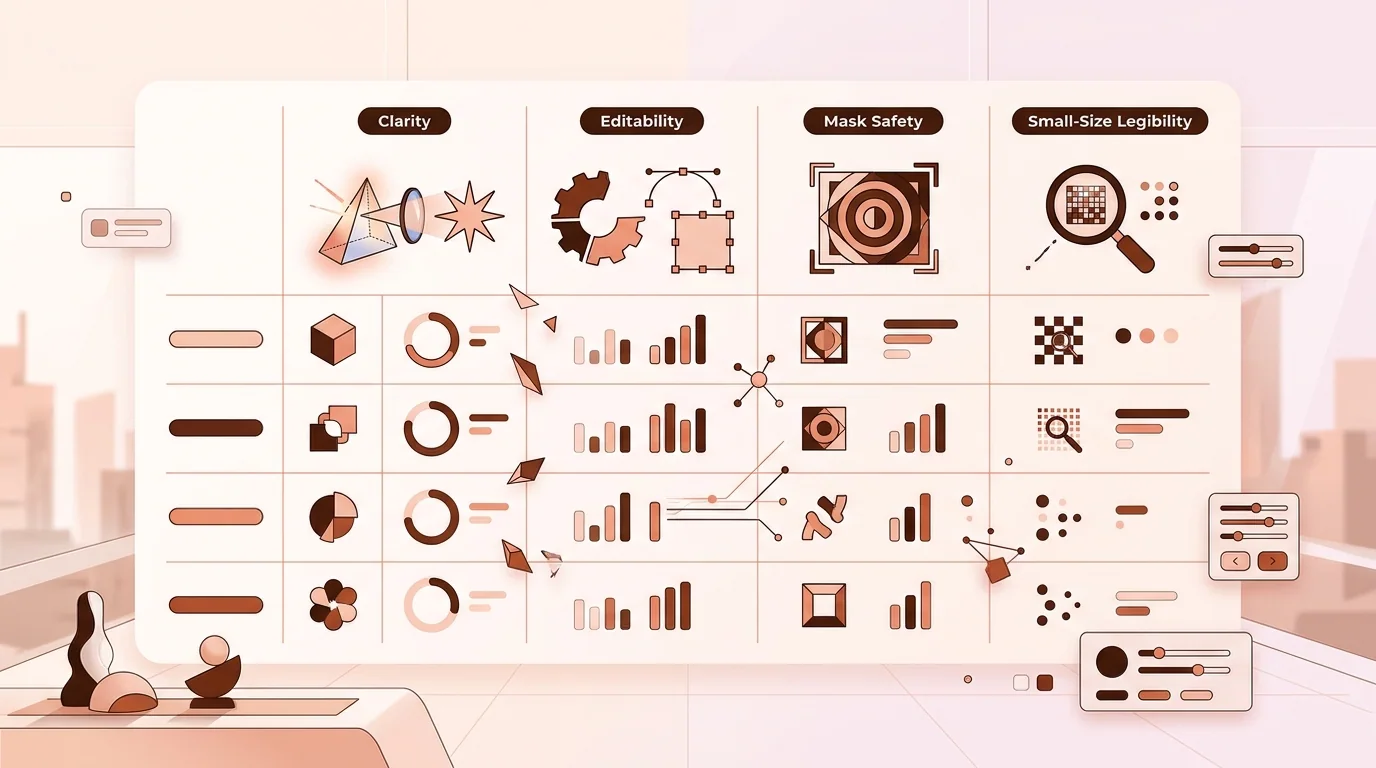
First, assess editability. A clean SVG may save time, but generated paths can still contain excessive nodes or awkward overlaps. Second, assess consistency: can you create related symbols without the style drifting? Third, inspect control over color, composition, and negative instructions. Fourth, understand rights, privacy, and retention for uploaded references. Fifth, count the manual production steps after generation.
Do not confuse quantity with quality. Ten attractive variations are less useful than one concept that can be redrawn cleanly, distinguished from competitors, and understood at 29 pixels. Avoid logos, mascots, or trademarked visual language from other products in prompts and references. Similarity checks and professional legal advice may be appropriate before a major launch.
Check the Workflow Around the Model
The image model is only one part of the purchase. Check whether the product preserves versions, accepts reference images, supports exact color entry, offers background transparency, and lets you make local edits without regenerating the whole concept. For team work, review sharing, approval, account administration, and whether prompts or uploads may be used to improve services. A visually capable model can still be a poor operational fit.
Export claims also need inspection. Open an SVG in a vector editor and confirm that shapes are truly editable rather than one embedded bitmap. Count unnecessary paths, inspect clipping masks, and test whether gradients survive import. For PNG output, check actual pixel dimensions, alpha edges, and whether upscaling introduced halos. These practical checks are more meaningful than a provider's gallery because they use your own brief and downstream software. Repeat the test with a simple symbol and a more demanding layered concept. A tool that handles one attractive demonstration may behave differently when asked for exact geometry, a restricted palette, or a related family of icons.
From AI Concept to Store-Ready Icon
Select a direction, then rebuild or clean it in a vector editor. Remove decorative noise, regularize curves, establish optical centering, and create enough breathing room for platform masks. Produce a high-resolution master without a platform-shaped corner baked into the artwork. For Android, plan separate adaptive foreground and background layers rather than treating the store image as the launcher resource.
Choose a vector-oriented generator when editable geometry is central. Choose an ecosystem tool when handoff into your existing editor matters most. Choose a general image generator for broad visual exploration, with time reserved for redrawing. Choose a specialized service when its focused workflow and terms match your exact deliverable. No category eliminates the need to preview, simplify, and validate.
AI Icon Generator FAQ
What is the best AI icon generator?
There is no universal winner. Recraft is relevant to vector-oriented work, Adobe tools fit Creative Cloud workflows, Canva helps with quick presentation, and general image generators support broad ideation. Compare them using the same brief and required output.
Can an AI-generated icon go directly into an app store?
It should not be assumed ready. Check originality, rights, detail, masks, color, dimensions, file format, alpha behavior, and platform-specific packaging before submission.
Should an app icon be SVG or PNG?
Keep an editable vector master when practical, then export the raster or layered assets required by each platform. Google Play's listing icon is a PNG, while current Apple workflows can use layered artwork through Icon Composer.
Are AI icon generators free?
Many providers offer limited access, trials, or credit-based plans, but terms change. Verify current limits, export rights, attribution rules, and commercial-use terms on the provider's official site.
How do I make generated icons consistent?
Reuse a strict style specification covering geometry, stroke, corner treatment, palette, perspective, lighting, and negative space. Redraw final assets on a shared grid instead of relying only on prompts.
Is IconCreator's AI generator live?
The generator product is coming soon. You can explore AI Icon Generator or App Icon Generator for the intended direction and use IconCreator's implemented free checking, previewing, and resizing tools now.
How can I test an icon before launch?
Preview it at small sizes, on varied wallpapers, and under multiple masks. Then use the relevant iOS, Google Play, adaptive icon, or general checker for technical review.