
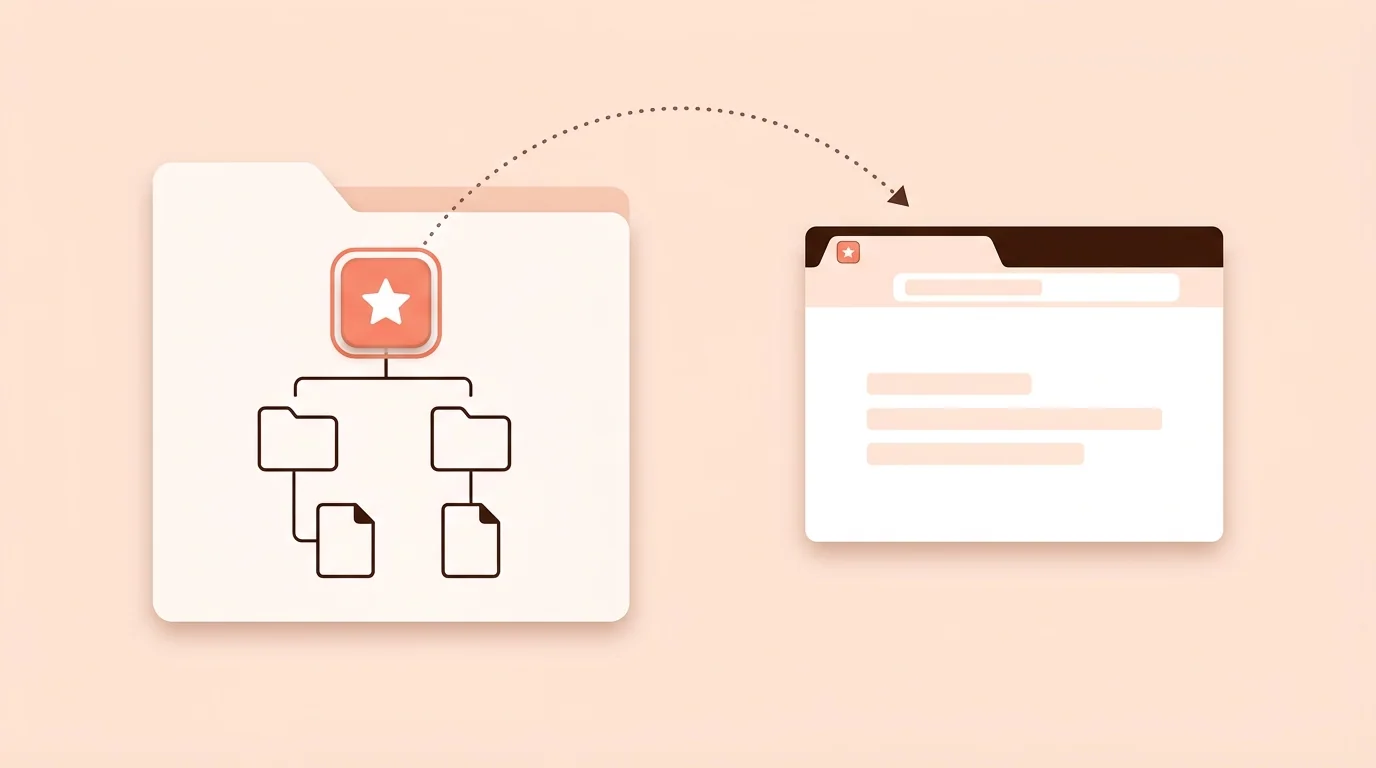
favicon.ico is a website icon file in ICO format. It usually sits at your site's root, such as example.com/favicon.ico, and can hold several image sizes in one file. Browsers can show it in tabs, and other tools such as feed readers often look for it at that exact address.
Do You Still Need favicon.ico?
Yes, as a fallback. Modern browsers can use the icon you declare in your HTML, including SVG or PNG files, but keeping favicon.ico gives older browsers and tools that only check /favicon.ico something to load.
What Size Should favicon.ico Be?
A single 32×32 px image is enough for most sites. To include more sizes, use 16, 32 and 48 px in the same file, which helps if your icon doesn't scale down cleanly.
For every other icon your site needs, see Favicon Sizes and Formats: Every Size You Need.

favicon.ico vs PNG vs SVG
• ICO: the classic format and the file tools look for at /favicon.ico • PNG: use for the 180×180 px Apple touch icon and for 192×192 and 512×512 px web app icons • SVG: stays sharp at any size in modern browsers, but keep an ICO as a fallback
Most sites should use ICO and SVG together, with PNG for Apple devices and web apps.
How to Create a favicon.ico File
1. Start with a simple square PNG. 2. Check that it's readable at 32×32 and 16×16 px, and remove small text and thin details. 3. Convert it with PNG to ICO Converter. 4. Name the file favicon.ico.
Renaming a PNG to .ico doesn't create a real ICO file, so use a converter.
How to Add favicon.ico to Your Website
1. Upload favicon.ico to your site's root folder. 2. Open example.com/favicon.ico in your browser to confirm it loads. 3. Add this line to the <head> of your HTML:
<link rel="icon" href="/favicon.ico" sizes="32x32">
For the full set of tags, see /favicon-html. Platforms have their own steps: /nextjs-favicon, /wordpress-favicon, /shopify-favicon, /squarespace-favicon and /wix-favicon.
Fix Common favicon.ico Problems
favicon.ico 404 Error
Browsers and tools can request /favicon.ico even if your HTML doesn't mention it. If the file isn't there, the request appears as a 404 in your logs or console. Upload a file to the root to fix it. The error doesn't stop your page from working.
The Old Icon Still Shows
Browsers cache favicons. Check the site in a private window, and open /favicon.ico directly to confirm the new file is live.
The Icon Doesn't Appear in Google
Add the link tag to your home page, use a square image, and make sure robots.txt doesn't block the home page or the icon. Google recommends an icon larger than 48×48 px, so also link a larger PNG. Updates can take days or weeks, and Google doesn't guarantee that a favicon will appear.
To check your setup, use Favicon Checker. For more fixes, see /favicon-not-showing.
favicon.ico FAQ
What is favicon.ico?
A website icon file in ICO format, usually stored at your site's root. It can hold several image sizes.
Where should favicon.ico go?
In your site's root folder, so it loads at example.com/favicon.ico.
What size is favicon.ico?
32×32 pixels is enough for most sites. To include more sizes, use 16, 32 and 48 pixels in one file.
Is favicon.ico required?
No, a site works without it. It's still worth keeping as a fallback, and it prevents 404 errors for that address.
Can I rename a PNG to favicon.ico?
No. That only changes the file name, not the format. Use a PNG to ICO converter.
Do I need a link tag for favicon.ico?
Google's documentation asks for a link tag on your home page, so add one even though many browsers check /favicon.ico on their own.