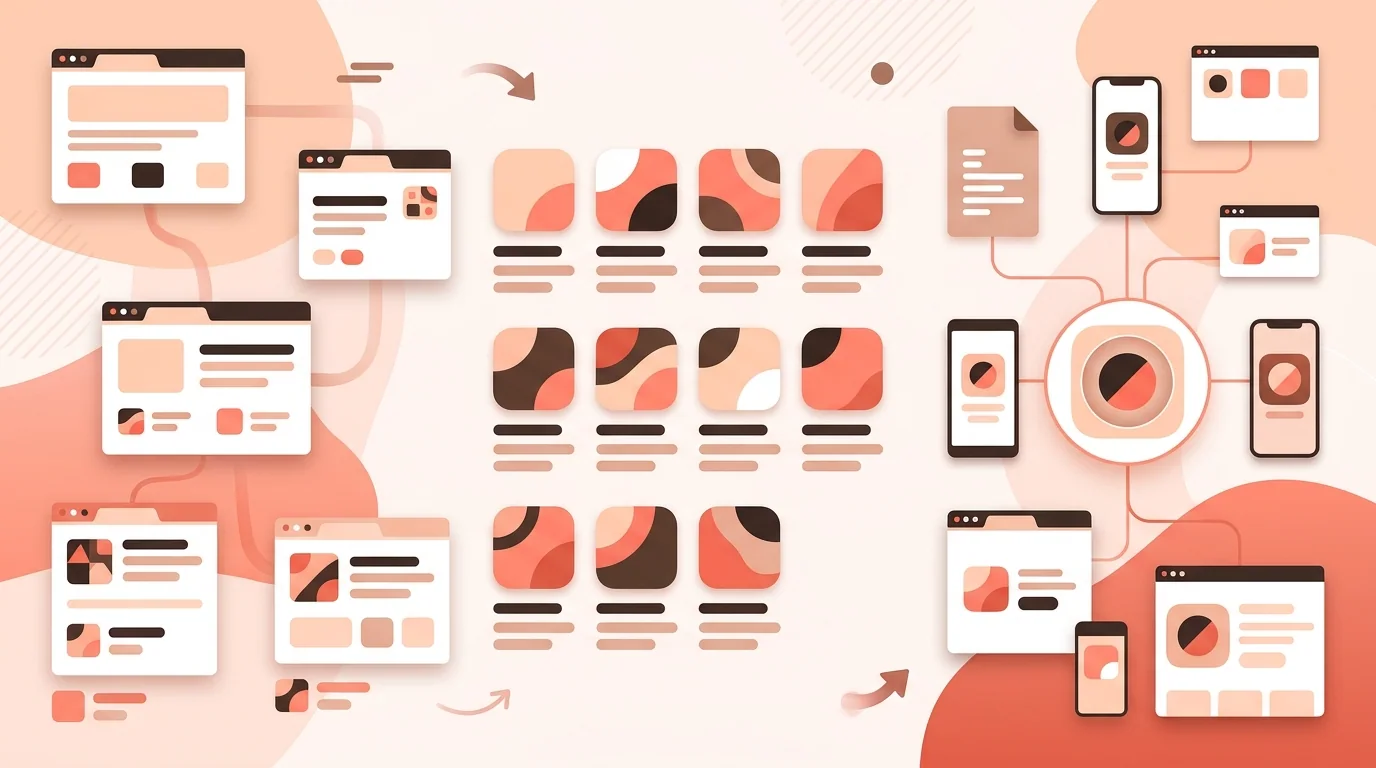
A favicon begins as a tiny browser-tab mark, but a modern website may also need icons for bookmarks, home-screen shortcuts, installed web apps, pinned interfaces, and operating-system surfaces. These uses are often grouped into one checklist even though they are read by different software and declared through different mechanisms. A reliable setup starts by separating three categories: browser favicons, Apple touch icons, and icons listed in a web app manifest.
There is no single file that guarantees ideal presentation everywhere. Support evolves, browsers apply their own selection rules, and platforms can crop or decorate icons. The goal is a compact, standards-aware set with deliberate fallbacks, not dozens of unexplained duplicates. This guide describes common choices without presenting every convention as mandatory.
Browser Favicons: Start with the Small Context
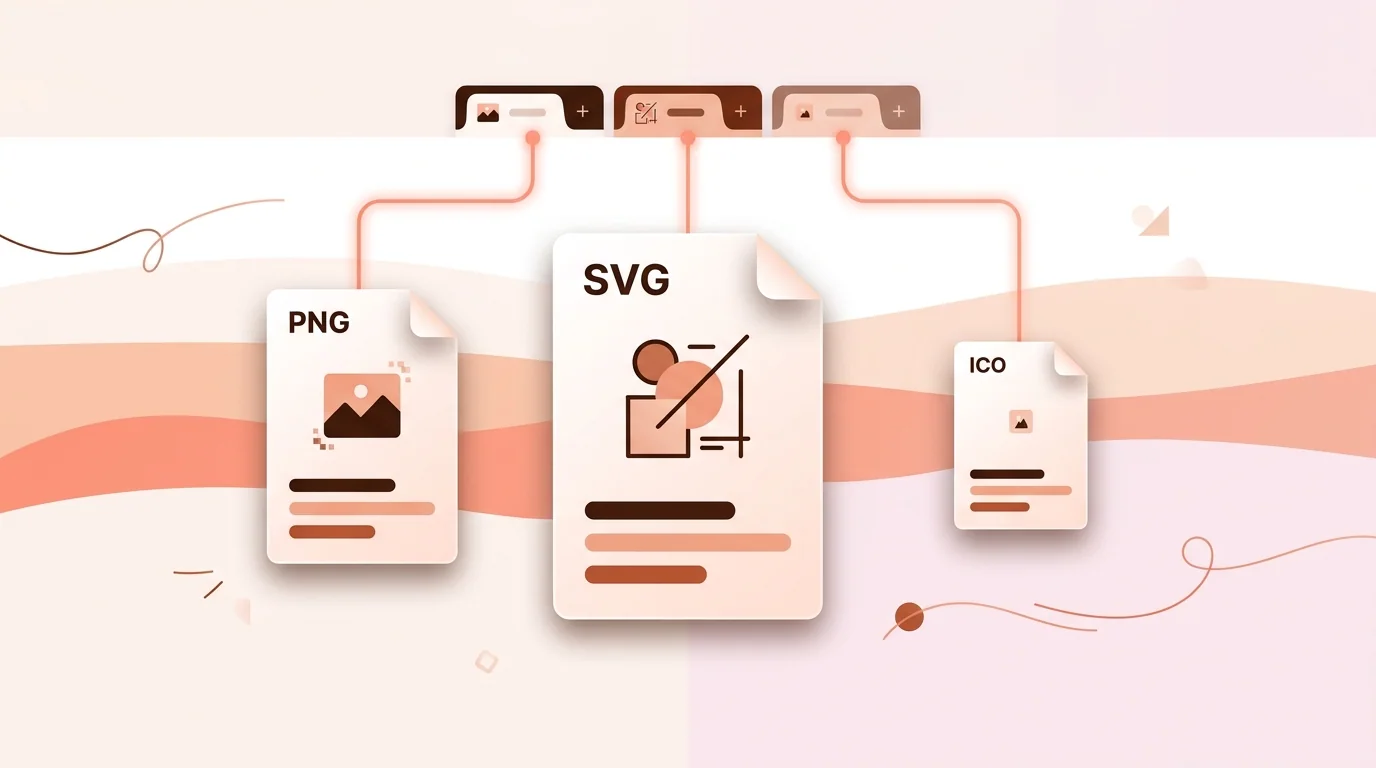
Browsers discover icons through link elements whose relationship is icon, and many also look for a conventional favicon.ico at the site root. The HTML Standard describes icon links and allows attributes such as type and sizes to help a user agent choose among candidates. Actual selection and format support can vary, so a conservative setup should retain a broadly compatible fallback while using newer formats only where they improve the result.
ICO for Compatibility
ICO is a container that can hold multiple raster images. A root favicon.ico remains a useful compatibility fallback, especially for old integrations, crawlers, and software that requests that path directly. Common embedded sizes include 16 by 16 and 32 by 32 pixels, with 48 by 48 sometimes included. Those are practical choices rather than a promise that every consumer requires every size. Inspect the container after export because merely renaming a PNG does not create a valid ICO file.
PNG for Explicit Raster Assets
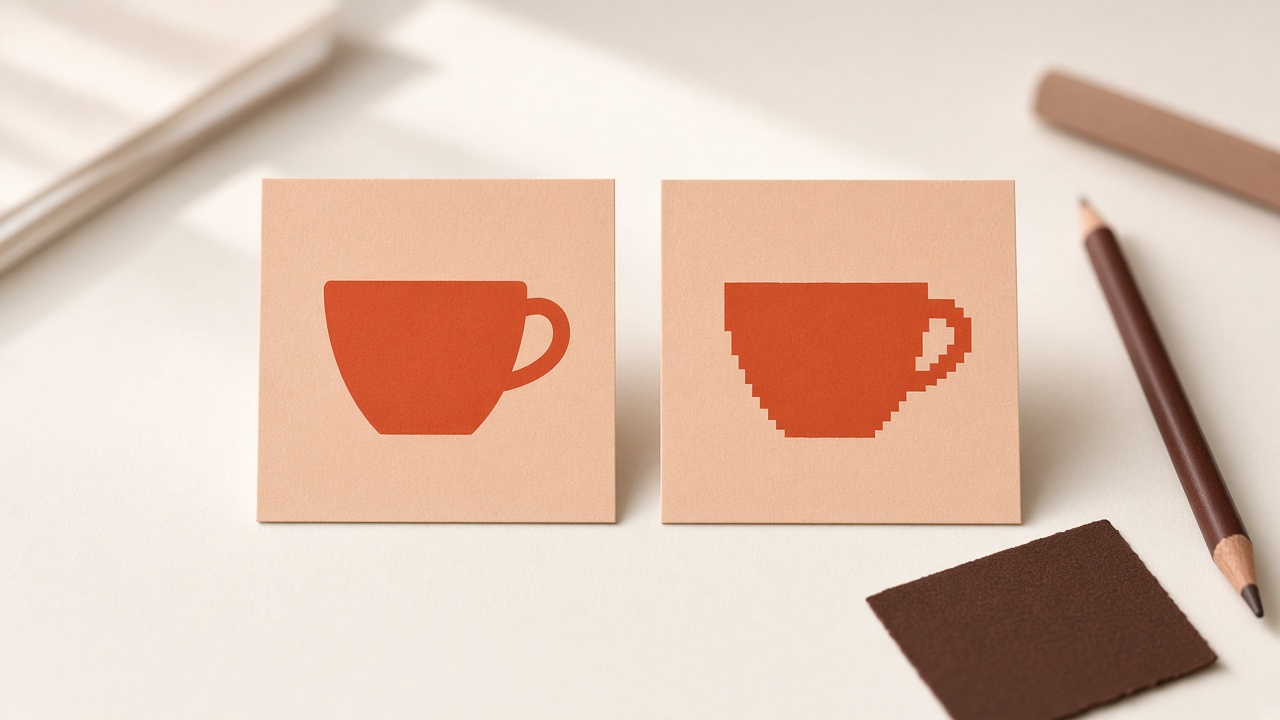
PNG provides lossless raster graphics and alpha transparency. It is straightforward to inspect and can be declared with a sizes value such as 32x32. A 32-pixel PNG is a common browser favicon candidate, while a 16-pixel rendition can be useful when precise pixel editing matters. Do not assume that reducing one large logo automatically produces a crisp tiny icon. At favicon scale, stems, gaps, and outlines often need optical adjustment.
SVG for a Scalable Browser Icon
SVG can provide a compact scalable favicon in supporting browsers. It is especially effective for a simple geometric mark and can avoid maintaining many raster variants. However, browser and surrounding-tool support is not identical, so SVG is best paired with a fallback when broad compatibility matters. Keep the file self-contained, avoid external dependencies, and test the deployed response headers. An SVG that renders in a design application is not automatically a robust browser favicon.
Apple Touch Icons Are a Separate Asset
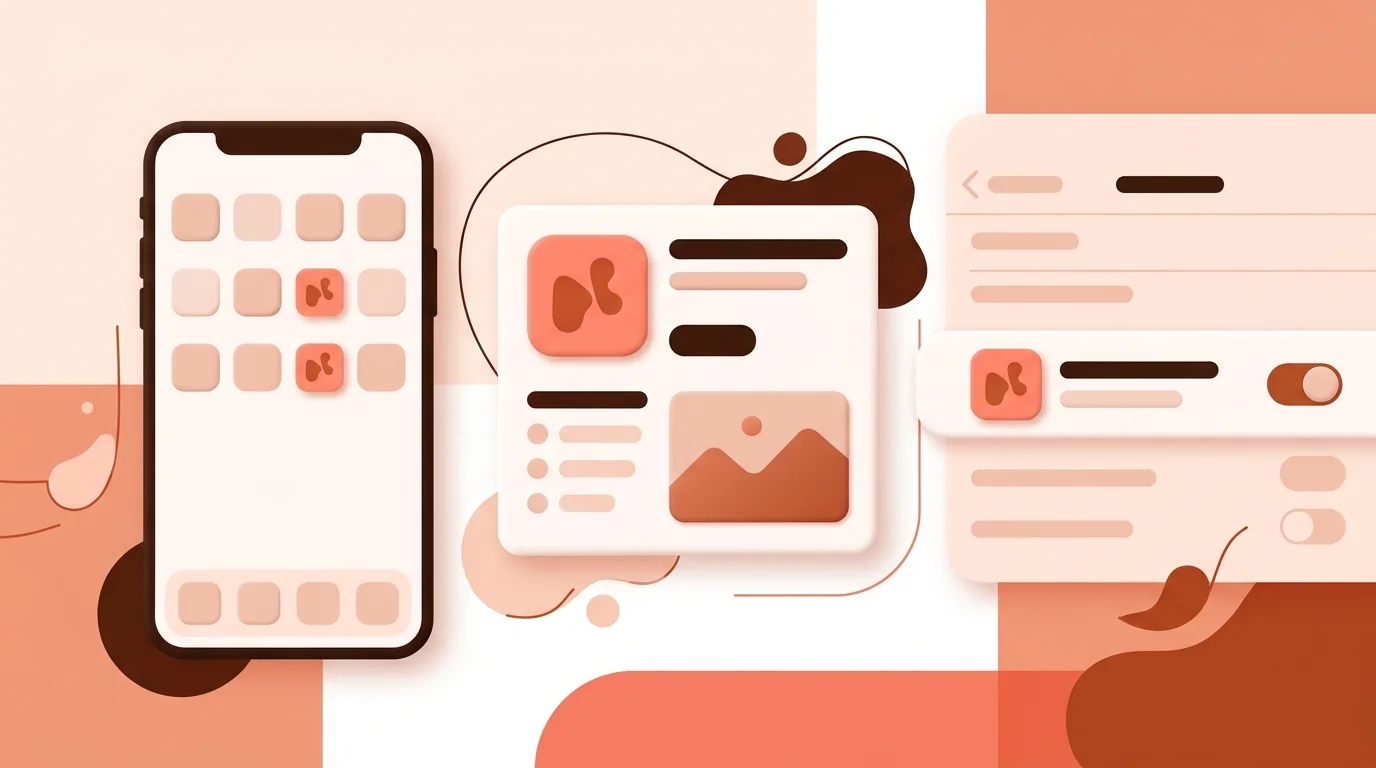
An Apple touch icon is used when a person adds a website to a compatible Apple home screen or related surface. It is declared with an apple-touch-icon link relationship rather than treated as an ordinary tab favicon. Apple's web guidance has historically described PNG assets and recommends preparing an icon that works when the system applies its presentation. A 180 by 180 pixel PNG is a widely used current choice for high-density iPhone home screens, but projects supporting specific older devices may choose additional sizes after reviewing current Apple guidance.
Do not label a 180-pixel touch icon as universally mandatory for every website. A site that does not need home-screen presentation may make a different scope decision, and platform behavior changes. If you include one, give it a full, intentional background and generous safe spacing. Transparent areas can produce an unexpected fill, and fine browser-favicon details may look weak when enlarged to a home-screen tile.
“Treat favicon, touch icon, and install icon as a family, not as the same file copied under different names.”
PWA Icons Belong in the Web App Manifest
An installable web app describes icons in its web app manifest. Each image resource can state a src, sizes, type, and purpose. The manifest is not a substitute for every browser favicon mechanism; it primarily serves app installation and related application surfaces. Common practical PNG entries are 192 by 192 and 512 by 512 pixels because install guidance and platform audits frequently use them, but the manifest format itself supports an array of images rather than prescribing one universal two-file package for every user agent.
Understand Maskable Icons
A manifest icon can declare the purpose maskable, telling compatible systems that the artwork includes safe padding for cropping into platform shapes. The maskable-icon specification defines a central safe zone: a circle centered in the image with a radius of 40 percent of the icon width. Essential content should remain inside that area. A regular purpose any icon and a purpose maskable icon may use separate files because their compositions often need different spacing.
Do not add maskable to an ordinary edge-to-edge logo without checking it. The system may crop corners or trim content. Conversely, placing a small conventional icon inside excessive padding can make an installed app look undersized. Preview realistic masks and compare apparent scale with neighboring icons. If one file is intentionally suitable for multiple purposes, the manifest syntax can represent that, but only after the artwork has been designed for those uses.
A Sensible Baseline File Set
For a conventional website, a practical baseline might include favicon.ico with small embedded sizes, a 32 by 32 PNG, and optionally an SVG favicon with fallbacks. Add a 180 by 180 Apple touch PNG if Apple home-screen use is in scope. Add manifest icons, often including 192 and 512 pixel PNGs plus purpose-appropriate maskable artwork, when the site has a web app manifest and installation experience. This is a starting point, not a standards decree; remove or add assets based on supported platforms and verified behavior.
Design for 16 Pixels First
The hardest rendition is usually the smallest. Begin with the core silhouette and inspect it at 16 CSS pixels on both light and dark browser chrome. Remove text, tiny counters, narrow outlines, and subtle tonal differences that disappear. Align key edges to the pixel grid in dedicated raster exports when necessary. A favicon can be recognizably related to a full brand mark without preserving every detail. The objective is recognition, not miniature reproduction.
Keep contrast resilient because browser themes and tab states vary. Transparent backgrounds can work, but test against white, gray, near-black, and tinted surfaces. A dark mark with no light boundary may vanish in dark mode; a white mark may vanish on a light tab. An intentional container shape can provide stable contrast, provided it is a brand choice rather than an attempt to imitate a platform mask.
Implementation and Cache Checks
Use correct URLs, MIME types, and link relationships, and make sure production assets return successful responses without authentication. Validate manifest JSON and confirm that icon paths resolve relative to the manifest as intended. Favicons are aggressively cached, so a stale tab icon does not necessarily mean the new file is invalid. Test in a clean profile or private session, consider a versioned filename during updates, and inspect network requests before repeatedly changing artwork.
Testing Checklist
Open the site in representative desktop and mobile browsers, bookmark it, pin or save it where relevant, and inspect both light and dark themes. If Apple touch support is included, test the home-screen result on a supported device. If a manifest is included, use browser developer tools to inspect it and test installation behavior on target platforms. Check every image at native dimensions, not only enlarged in a graphics editor.
IconCreator's free /tools/app-icon-checker can help inspect general icon quality, and /tools/app-icon-resizer can prepare raster dimensions from suitable source artwork. Resizing does not replace small-size design review or platform testing. The future generator can be explored at /ai-icon-generator or /app-icon-generator, but it should not be treated as part of the current export workflow.
Favicon Sizes and Formats FAQ
What favicon size should I use?
Small browser candidates commonly include 16 and 32 pixels. Choose additional assets according to browser, touch-icon, and installed-app support rather than one universal list.
Do I still need favicon.ico?
It remains a useful compatibility fallback and supports software that requests the conventional root path, though modern sites can also declare PNG or SVG candidates.
Can a favicon be SVG?
Yes in supporting browsers. Keep a fallback if your compatibility requirements include consumers that do not handle SVG favicons.
Is an Apple touch icon the same as a favicon?
No. It serves Apple home-screen and related contexts and uses its own link relationship.
Which icons belong in a PWA manifest?
List install-oriented image resources with accurate sizes, types, and purposes. Many projects provide 192 and 512 pixel PNGs and separate maskable artwork.
What does purpose maskable mean?
It indicates that compatible platforms may crop the icon into different shapes and that essential content has been kept within the maskable safe area.
Why is my old favicon still visible?
Browser and intermediary caches can retain favicons. Verify the deployed response, then test with a clean profile or versioned asset URL.