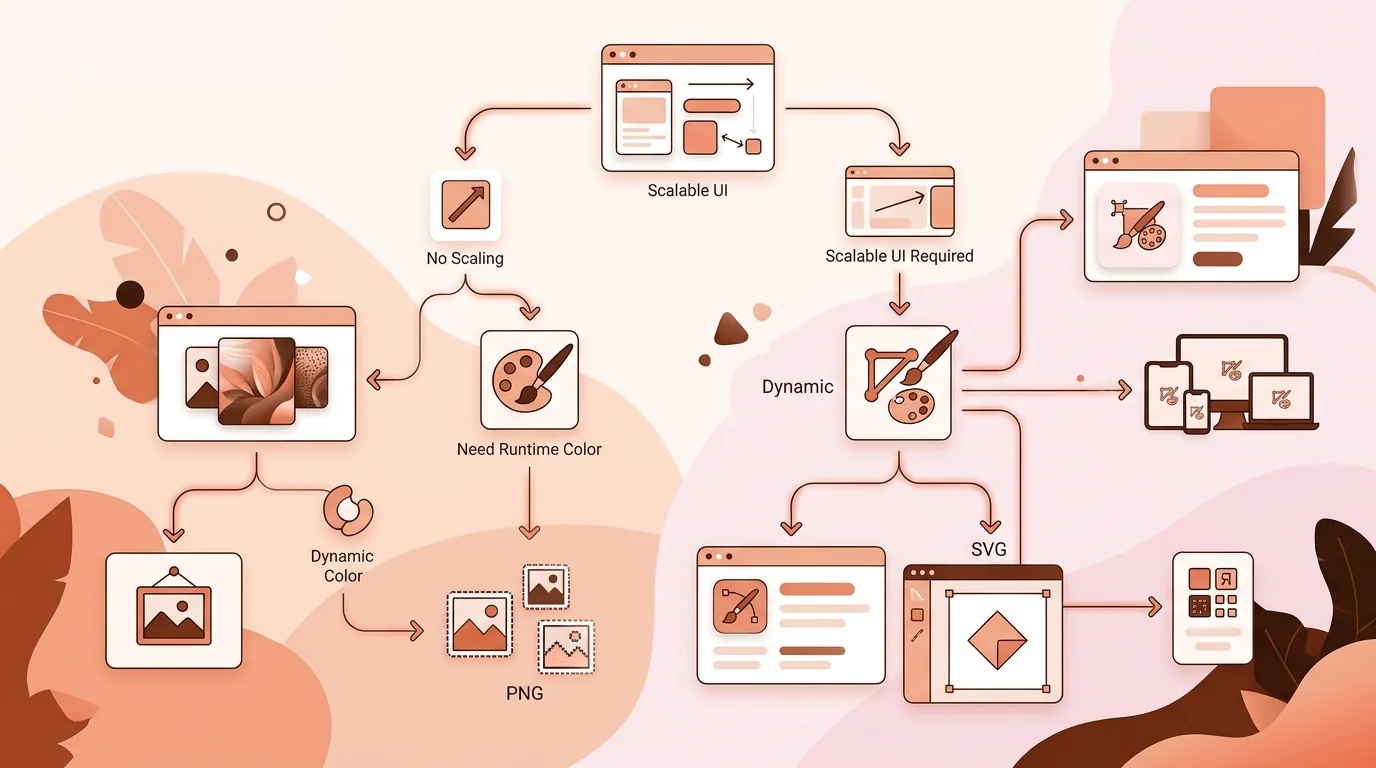
Compare SVG and PNG icons by scaling, rendering, transparency, accessibility, security, performance, and platform support to choose the right production format.
·7 min read
SVG describes vector shapes, while PNG stores a fixed grid of pixels.
SVG and PNG can display the same symbol, but they describe it in fundamentally different ways. SVG is an XML-based vector format built from paths, shapes, text, gradients, and other drawing instructions. PNG is a lossless raster format that stores a fixed grid of pixels. Neither is universally better. The right choice depends on the artwork, delivery channel, required sizes, browser or platform support, and how much control the interface needs at runtime.
A practical workflow often keeps an editable vector master and exports one or both delivery formats. That does not mean every image should become SVG or every platform asset should remain PNG. Complex photographs are poor vector candidates, while a simple interface glyph should not need a dozen raster files if the environment reliably supports SVG.
How SVG Works
An SVG file describes geometry in a coordinate system. A viewBox lets the drawing scale into different rendered dimensions without tying the artwork to one pixel grid. For simple icons, this provides sharp output across ordinary and high-density displays from one source. SVG can also expose fills, strokes, and parts of the drawing to CSS when embedded appropriately, making it useful for theme-aware interface systems.
SVG Strengths
Scalability is the obvious benefit, but maintainability is equally important. A consistent SVG set can share coordinate conventions, stroke rules, and color tokens. Simple files may be compact and can be inspected as text. Designers and developers can create outlined, filled, active, disabled, and dark-mode behavior without exporting every state as a new bitmap. Semantic use in HTML also allows accessible names or deliberate hiding from assistive technology.
SVG Limitations
Scalable does not mean automatically crisp. Thin strokes can land between device pixels, small details can collapse, and an icon designed at a large artboard may become visually muddy at 16 pixels. Rendering can differ subtly when filters, masks, fonts, or advanced effects are involved. Some publishing channels do not accept SVG, and some sanitizers remove elements or attributes. The format's active capabilities also mean untrusted SVG needs careful treatment rather than being handled like an inert bitmap.
Vector geometry can scale continuously; raster output is optimized for specific pixel dimensions.
How PNG Works
PNG stores pixels at explicit dimensions and uses lossless compression. It supports alpha transparency, making it suitable for icons with soft edges, shadows, textures, or rendered detail. A PNG displays predictably in a wide range of applications because the visual result has already been rasterized. That predictability is valuable for app-store submissions, operating-system assets, email clients, documents, and content systems that either require or strongly favor raster images.
PNG Strengths
A carefully exported PNG gives exact pixel-level control at its target size. Designers can adjust one-pixel stems, simplify corners, and tune anti-aliasing for a small rendition. PNG also preserves complex visual effects without asking the destination to reproduce filters or typography. It is generally treated as passive image data, which reduces the script and markup concerns associated with accepting arbitrary SVG uploads, although normal file-validation and resource limits still matter.
PNG Limitations
A bitmap cannot gain real detail when enlarged beyond its native dimensions. It may become soft or visibly pixelated, and multiple density variants can be needed. Recoloring a multicolor PNG at runtime is awkward compared with styling an inline SVG. Large transparent canvases and unnecessary color data can increase file size. Repeated exports also create maintenance risk: one size may retain an old symbol, wrong padding, or outdated color after the master changes.
“Choose the delivery format for the destination, while keeping the most editable master your artwork allows.”
Scaling and Small-Size Rendering
SVG wins when the same simple mark must appear at many sizes, but both formats require optical review. At tiny sizes, mathematically scaled geometry can feel uneven. A one-unit stroke may render differently at 15, 16, and 17 pixels, and small negative spaces may close. SVG icon systems often use a standard viewBox and deliberately tuned path coordinates. PNG systems may provide hand-adjusted exports for a few critical dimensions. The best method depends on whether flexible scaling or exact rendition control matters more.
File Size and Performance
Format alone does not determine file size. A simple SVG path can be much smaller than equivalent high-resolution PNGs, while a complicated traced illustration containing thousands of points can be larger and slower to render than a sensible bitmap. PNG size depends on dimensions, visual complexity, transparency, and optimization. Compare optimized production files rather than uncompressed design exports. Also consider request count, caching, sprite or component strategy, and whether an icon repeats throughout the interface.
Accessibility and Semantics
The accessible treatment depends on purpose, not format. A decorative icon should generally be hidden from assistive technology so it does not add noise. An icon-only control needs an accessible name supplied by the surrounding button or link. Informative standalone images need meaningful alternatives. Inline SVG can contain title and description elements, but implementation details and browser-assistive-technology combinations require care. An img element using either SVG or PNG follows image alternative-text practices.
Security Considerations
SVG is XML and can contain links, styling, external references, animation, and potentially script-capable content depending on how it is delivered and embedded. Do not inject arbitrary user-supplied SVG markup into a page. Use trusted assets, sanitize uploads with a maintained policy appropriate to the embedding context, apply restrictive content security controls, and prefer inert image delivery when interactivity is unnecessary. PNG is not executable markup, but parsers still process binary input, so validate file type, dimensions, and size.
Destination requirements should decide the production format before aesthetic preference does.
When SVG Is Usually the Better Choice
Use SVG for simple website interface icons, logos, diagrams, and illustrations that need to scale or respond to themes. It is especially useful when developers must change color, stroke, or state without requesting fresh image exports. Confirm that the delivery surface accepts SVG and that the file does not rely on unsupported fonts or external assets. Convert text to appropriate paths for brand marks when font availability cannot be guaranteed, while retaining an editable source with live text for future revisions.
When PNG Is Usually the Better Choice
Use PNG when a platform explicitly requests raster artwork, when exact rendered appearance matters more than runtime styling, or when the icon contains detailed texture and effects that do not translate efficiently to vectors. App launcher and store assets commonly require defined raster outputs even when the original logo was drawn as vectors. PNG is also a practical fallback for software, email contexts, or content pipelines whose SVG support is incomplete or deliberately restricted.
A Hybrid Production Workflow
Maintain one reviewed vector master for geometric artwork, then create normalized SVG components for supported interfaces and named PNG exports for raster destinations. Record viewBox, padding, stroke behavior, background assumptions, and target sizes. Test SVG at fractional layout sizes and PNG at native and high-density display conditions. IconCreator's free App Icon Resizer can prepare raster dimensions from a suitable source, while App Icon Checker and platform-specific checkers help review outputs.
Do not confuse resizing with redesign. A complex vector master may need a simplified small icon, and a transparent web symbol may need a complete background for an app-store asset. Use iOS App Icon Checker and Google Play Icon Checker for their respective contexts, and App Icon Previewer to judge apparent scale. You may explore App Icon Generator as a coming-soon product page, but current production work should rely on implemented tools and your design source.
Final Decision Checklist
Ask whether the destination accepts the format, whether the artwork is geometric or pixel-rich, whether it must scale freely, whether colors change at runtime, and whether exact raster control is required. Record that decision so later contributors do not create inconsistent duplicate assets. Inspect optimized file sizes, rendering at smallest intended dimensions, transparency against varied backgrounds, and accessibility behavior. For SVG, review viewBox, path complexity, external references, and sanitization. For PNG, verify native dimensions, alpha edges, color consistency, and that no export is being enlarged in production.
SVG vs PNG FAQ
Is SVG always sharper than PNG?
SVG scales without a fixed pixel grid, but poorly aligned strokes and excessive detail can still render badly at small sizes.
Can PNG have a transparent background?
Yes. PNG supports alpha transparency, including partially transparent edge pixels and shadows.
Which format is smaller?
It depends on the artwork and optimization. Simple vectors often favor SVG; complex traced artwork may be smaller and simpler as PNG.
Should app icons be SVG?
Keep a vector master when useful, but export the raster or packaged resources required by the target app platform.
Can SVG icons change color with CSS?
Yes when embedded and authored appropriately. SVG loaded as an external image has different styling constraints from inline SVG.
Is SVG safe to accept from users?
Treat untrusted SVG as active markup. Sanitize it for the embedding context or convert and deliver it through a safer controlled pipeline.
Can I use both formats?
Yes. A common workflow uses SVG in flexible interfaces and PNG for required raster destinations and compatibility fallbacks.