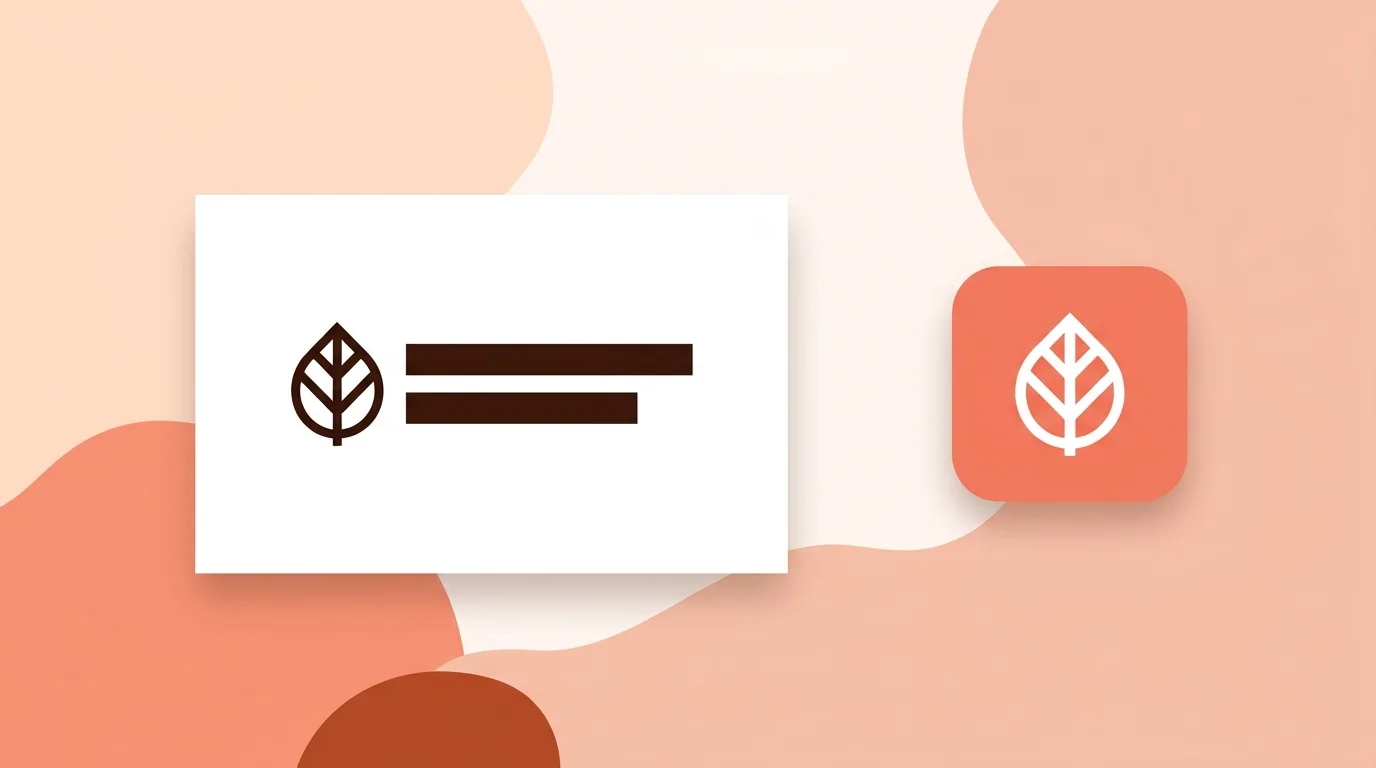
A logo identifies a brand. An icon is a simple symbol that represents an action, object or app. A logo can include a name and take any shape, while an icon is usually a small, wordless symbol that has to read at a glance.
Logo vs Icon at a Glance
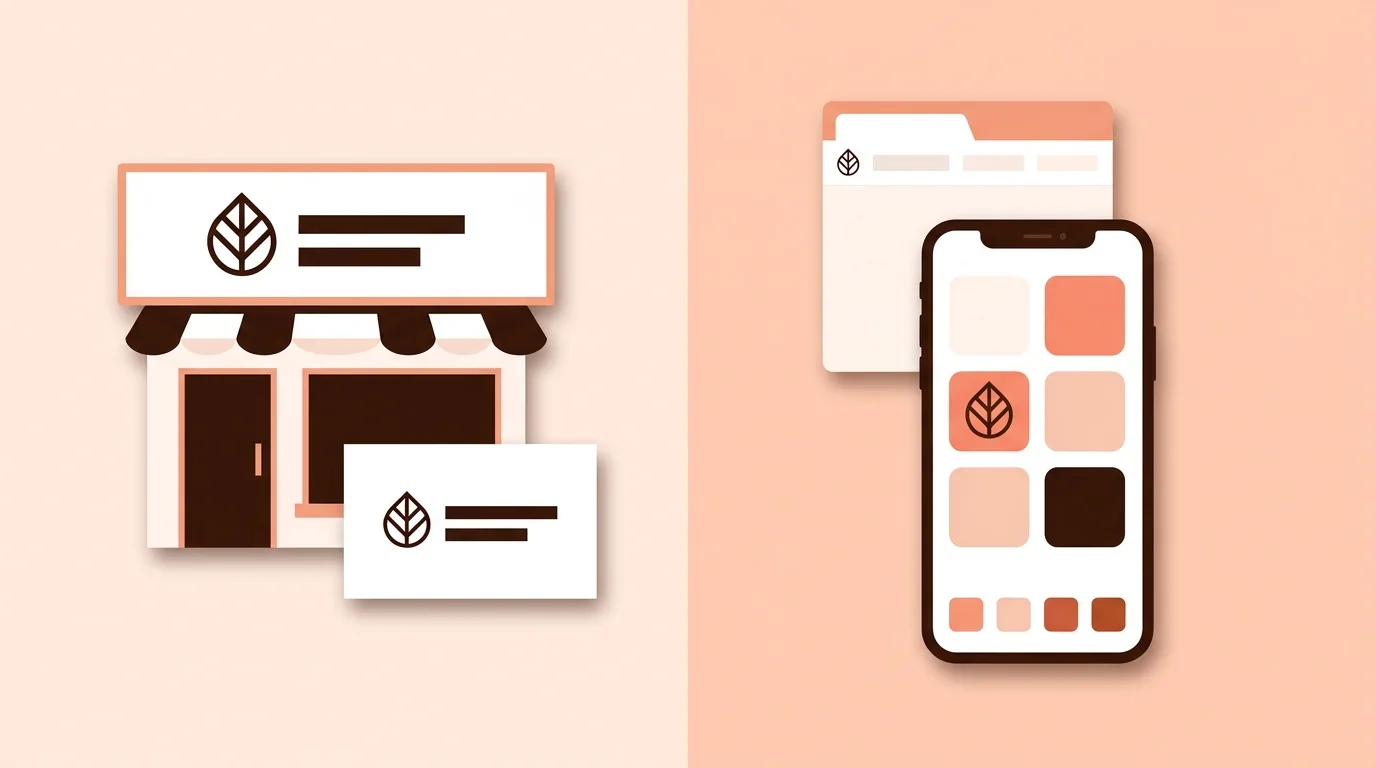
• Job: a logo says who you are. An icon shows what something is or does. • Content: a logo can use words, a symbol or both. An icon is usually a symbol only. • Shape: a logo can be wide, tall or any other shape. An icon usually fits a square. • Size: a logo has to work from a business card to a billboard. An icon often has to work at 16–48 px. • Uniqueness: a logo should be distinctive and belong to one brand. A common icon, such as a magnifying glass for search, works because people already know it.
Types of Icons
"Icon" can mean several things, which is why the terms get mixed up. • Interface icons: general symbols for actions, such as search, share or delete • App icons: the image that opens an app on a phone or computer • Favicons: the small icon for a website in browser tabs • Brand icons: a simplified logo symbol used in small spaces
Interface icons aren't logos. App icons and favicons often carry a brand, so they can do both jobs. For more, see What Is an App Icon? Meaning, Sizes and What Makes a Good One and What Is a Favicon? Meaning, Sizes and How to Add One.
Can a Logo Be an Icon?
Yes. A symbol-only logo, such as the Nike swoosh, is still a logo, but it can also work as an icon because it's simple and wordless. A logo with a long name or fine detail usually needs a simplified icon version.
Which One Do You Need?
• New business: a logo first, then a favicon and social profile icon based on it • Website: a logo for the header, a favicon for the tab, and interface icons if your site has controls • Mobile app: an app icon first, plus a logo for your website and marketing • Online shop: a logo for your storefront and a square icon for your profile image
How to Turn a Logo into an Icon
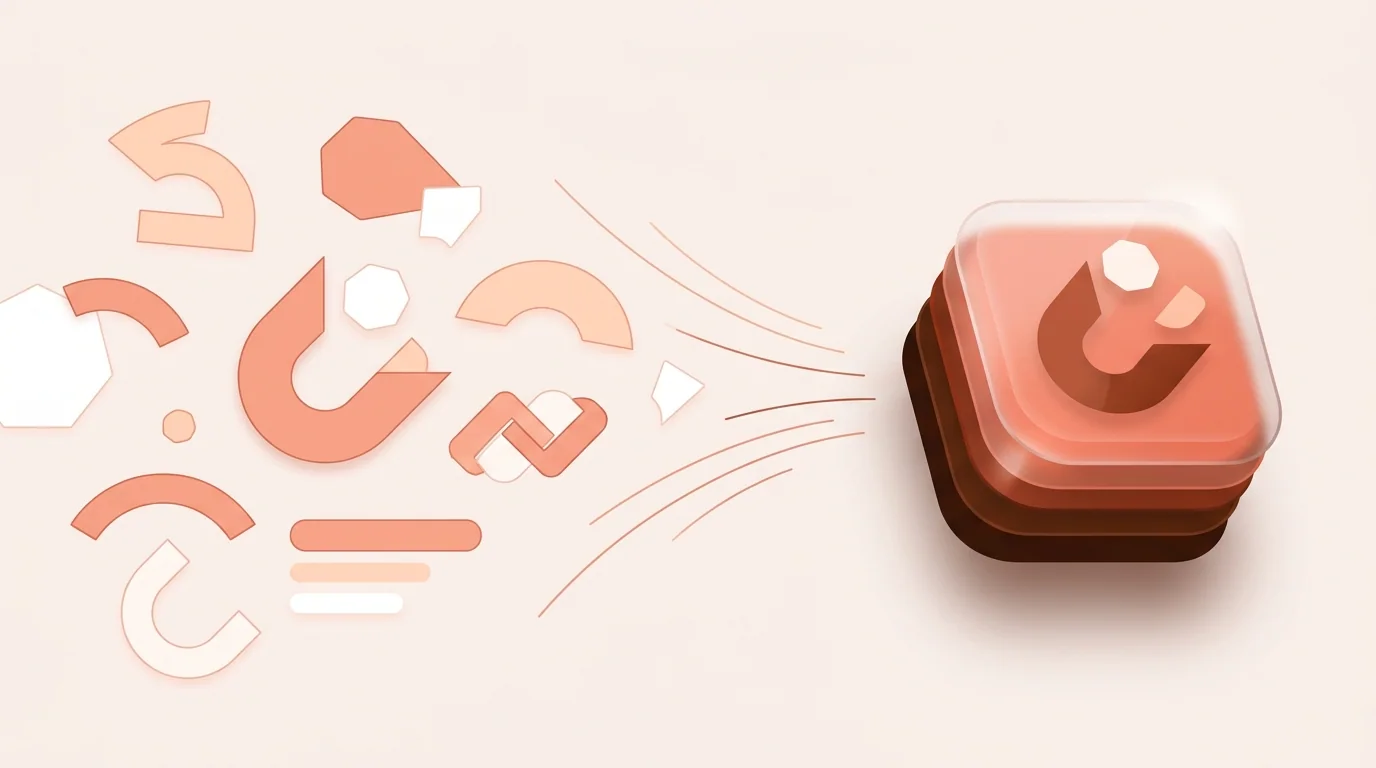
1. Keep the most recognizable part of the logo, usually the symbol or first letter. 2. Remove the name, tagline and small details. 3. Thicken thin lines and simplify shapes. 4. Center it in a square with some padding. 5. Test it at small sizes on light and dark backgrounds.
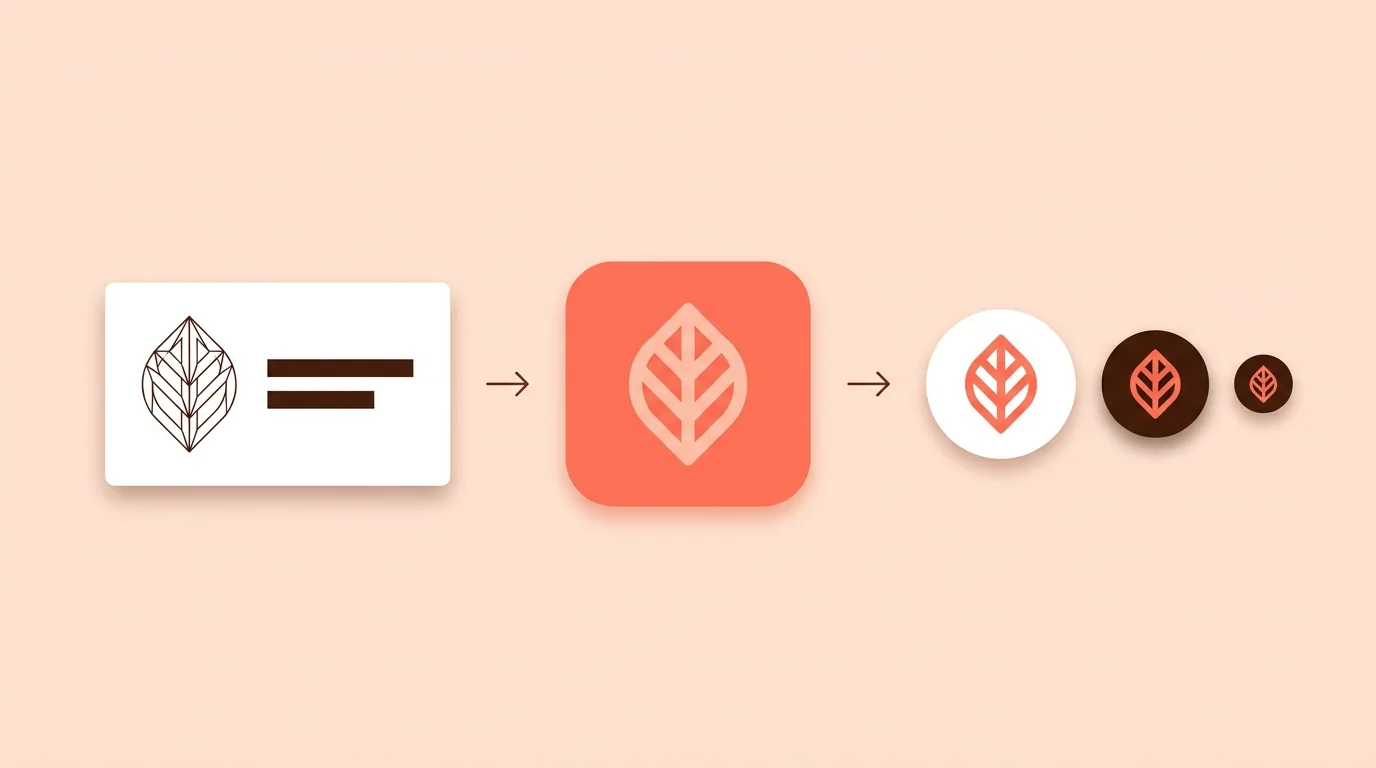
To see an app icon on a phone screen, use App Icon Previewer. For website icons, use Favicon Generator.
Logo vs Icon FAQ
What is the difference between a logo and an icon?
A logo identifies a brand and can include words. An icon is a simple symbol that represents an action, object or app, and it usually has no words.
Is an app icon a logo?
Not always. An app icon can use the brand's logo symbol, but it has its own size and shape requirements. Many brands simplify their logo for it.
Can I use my logo as an app icon?
Only if it stays clear in a small square. Most logos with words need to be simplified first.
Is a favicon a logo or an icon?
A favicon is an icon. It's often based on a brand's logo, but it's simplified for very small sizes.
What's the difference between a logo and a symbol?
A symbol is an image that stands for something. A logo is the mark that identifies a brand, and it may use a symbol, words or both.