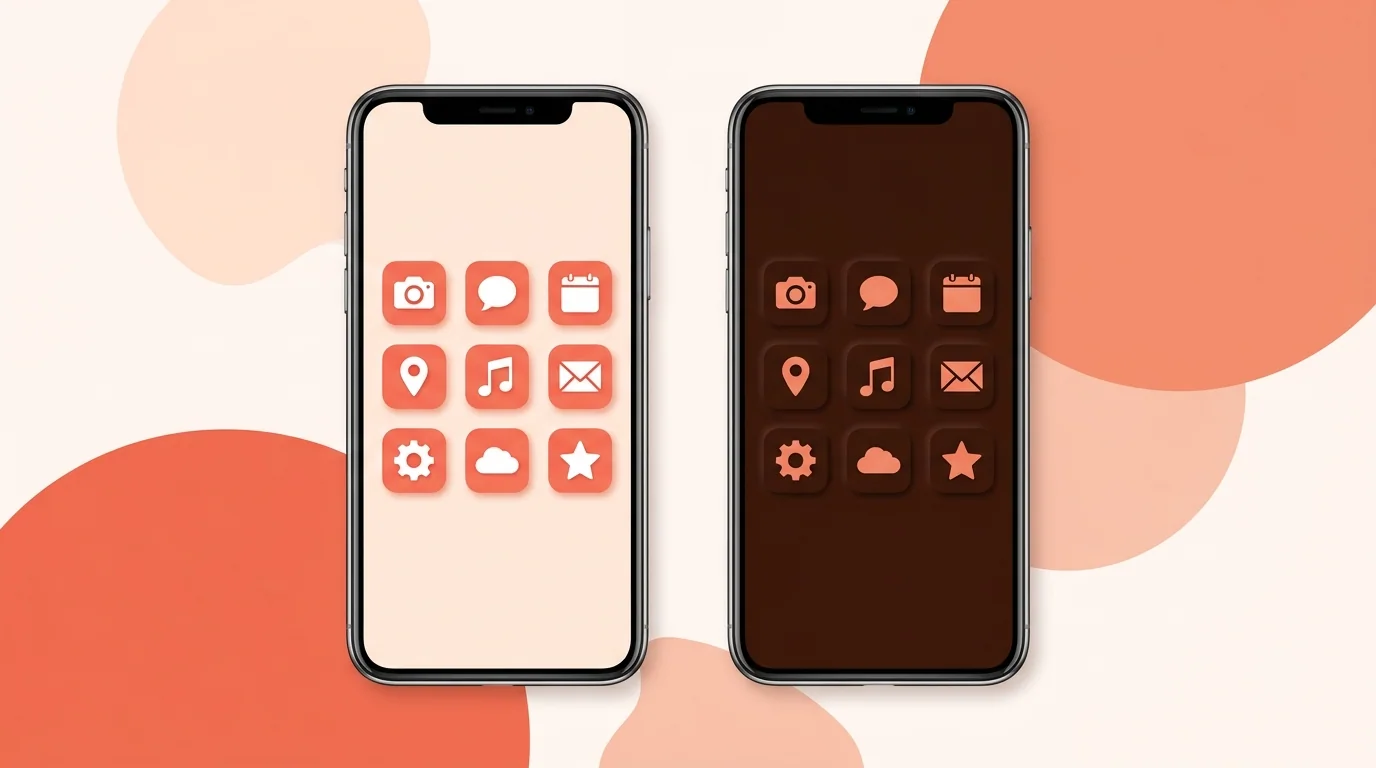
To turn on dark mode app icons on iPhone, press and hold the Home Screen, tap Edit > Customize, and choose Dark. Android has themed icons rather than a separate dark icon. If you make apps, you can supply your own dark iOS icon or let the system generate one.
Turn On Dark App Icons on iPhone
1. Press and hold an empty part of the Home Screen. 2. Tap Edit, then Customize. 3. Choose Dark. 4. Tap the Home Screen to finish.
This option also lets you choose Clear or Tinted icons. For custom icons, see How to Make Custom and Aesthetic App Icons on iPhone.
Get Dark App Icons on Android
Android's built-in option is themed icons, which tint supported icons to match your wallpaper and theme. Press and hold the home screen, tap Wallpaper & style, and turn on Themed icons. Menu names vary by phone.
For true black icons, install a launcher and a dark icon pack. See How to Change App Icons on Android, or How to Change App Icons on Samsung for Galaxy phones.
How to Design a Dark App Icon
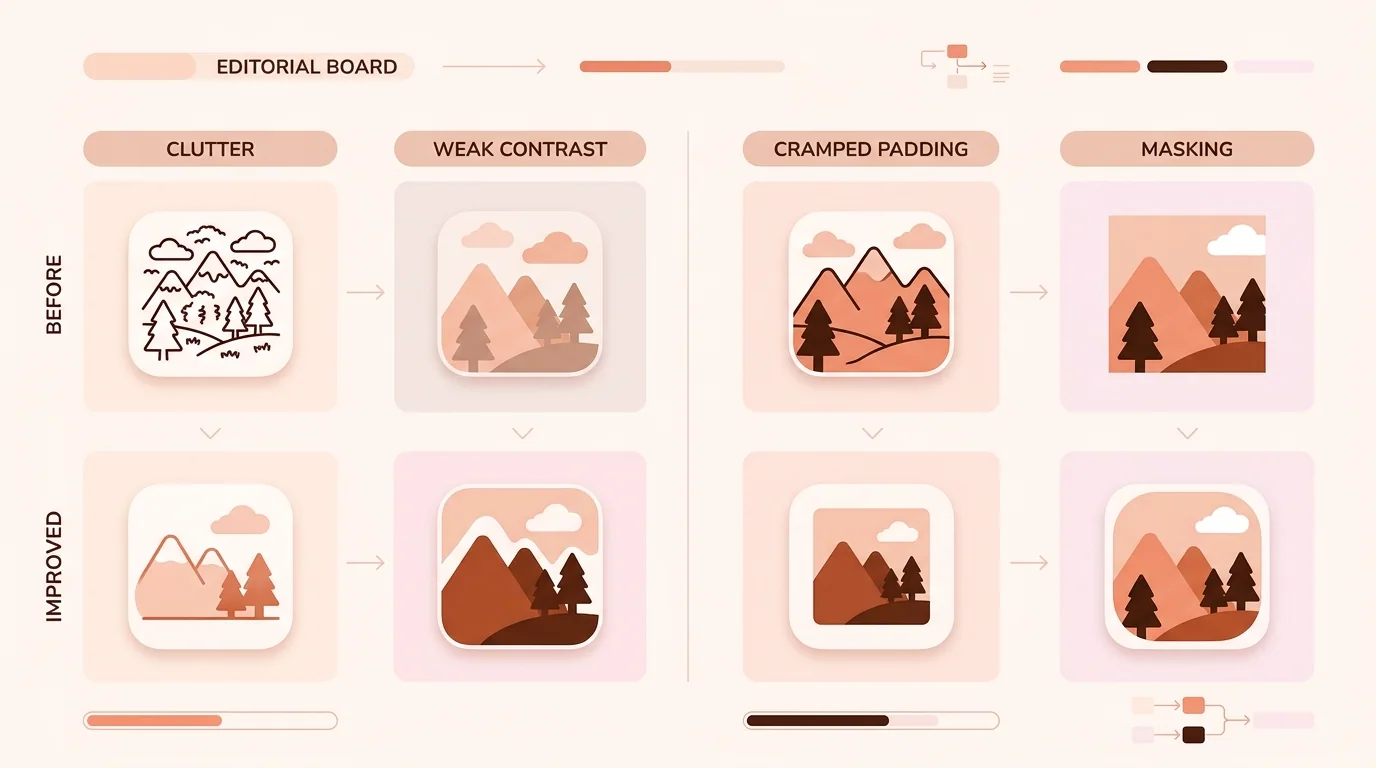
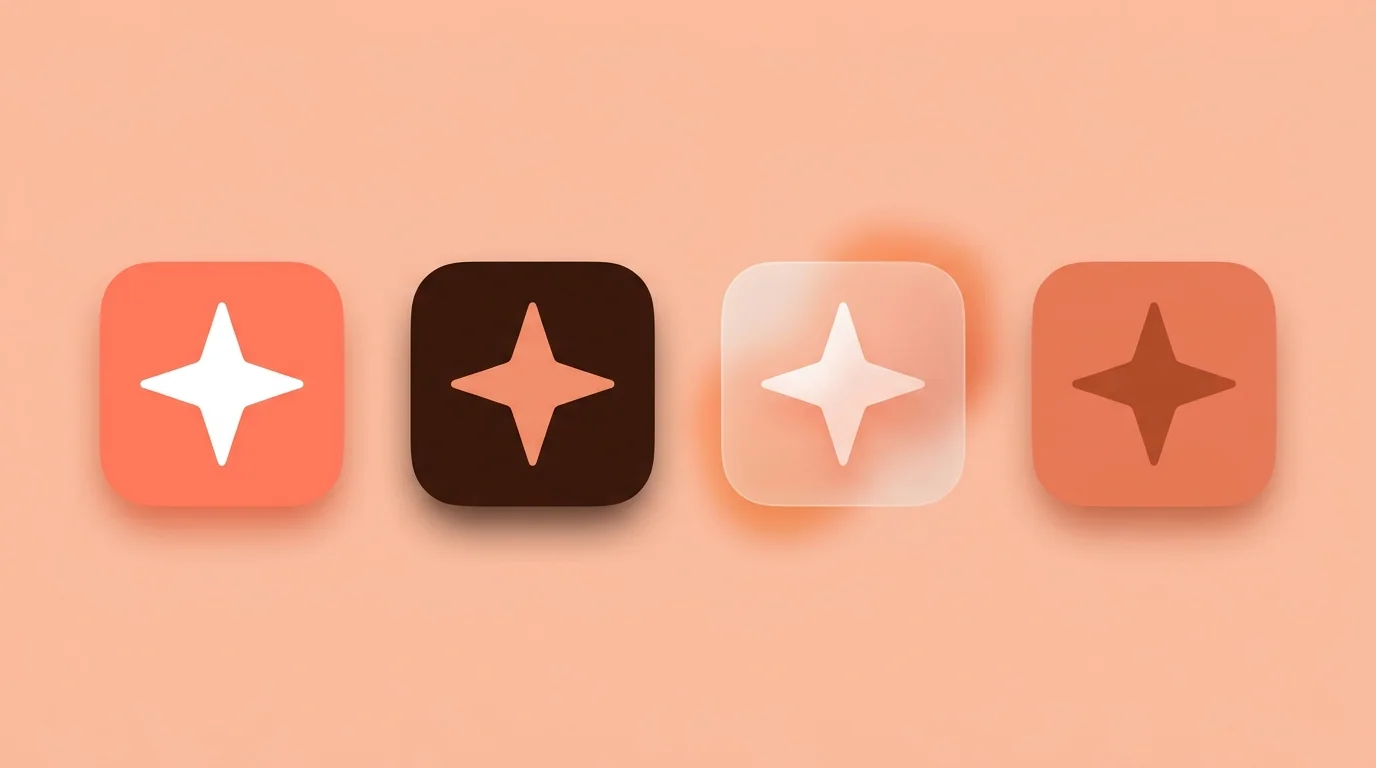
Apple's guidelines come down to four rules: • Start from your light icon, and use colors that complement it • Avoid excessively bright images • Keep the same core features, so people can still find your app • Check that the icon stays visible, legible and recognizable in every appearance
Add Dark Icons to an iOS App
You don't have to supply a dark icon, because the system generates any variant you leave out. Add your own if you want control over the result. There are two ways to do it: • Icon Composer: the layered format, which controls color across appearances. See How to Use Icon Composer: Step-by-Step Guide. • Xcode asset catalog: 1024×1024 px images, with the steps below.
1. Open your app icon in the asset catalog. 2. In the Appearance pop-up menu, select Any, Dark, Tinted. 3. Drag your icons into the new image wells.
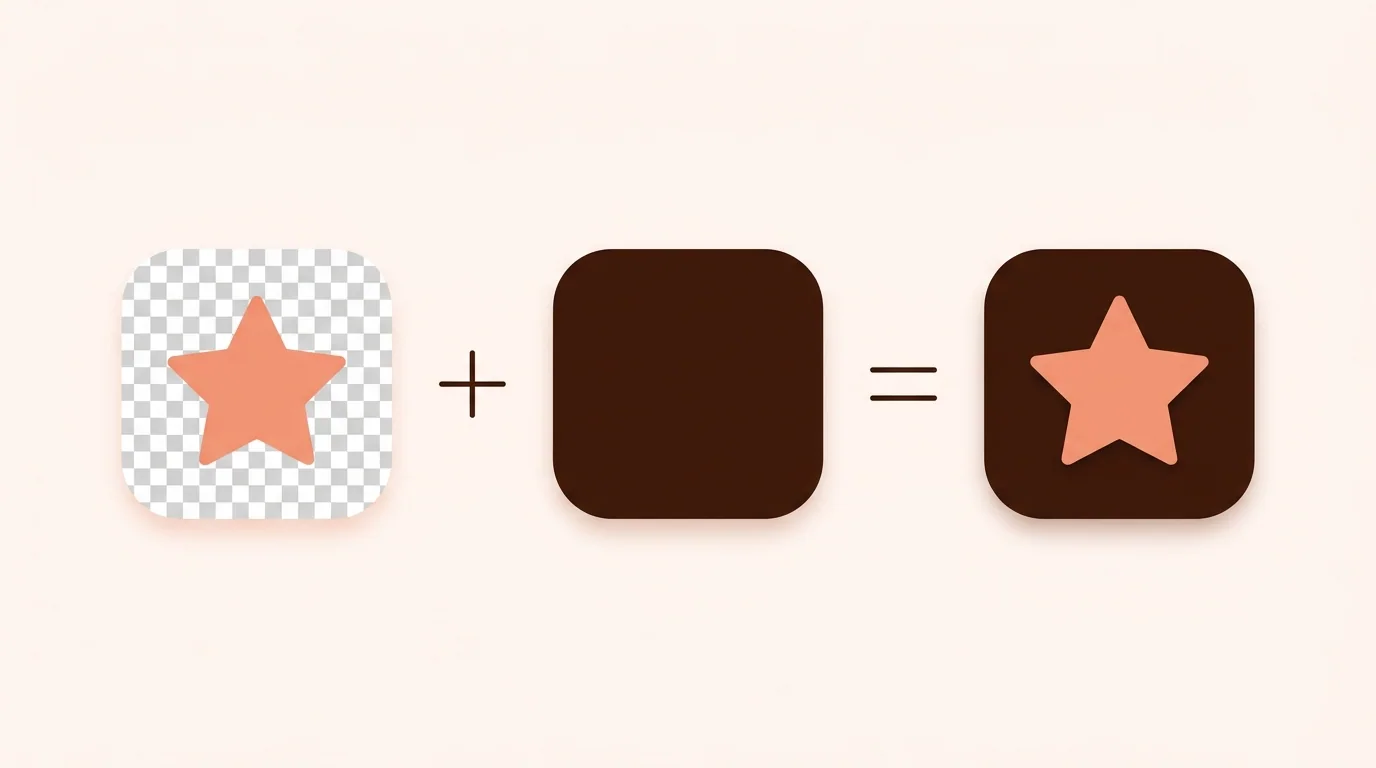
Export the dark icon with a transparent background so the system background shows through. Export the tinted icon as a grayscale image. Alternate app icons need their own dark, clear and tinted variants.
Add Themed Icons to an Android App
Android tints a single-color monochrome layer instead of using a separate dark icon. Themed icons arrived in Android 13. From Android 16 QPR 2, Android can automatically theme apps that don't provide their own.
Add the layer to your adaptive icon in res/mipmap-anydpi-v26/ic_launcher.xml:
<adaptive-icon xmlns:android="http://schemas.android.com/apk/res/android"> <background android:drawable="@drawable/ic_launcher_background" /> <foreground android:drawable="@drawable/ic_launcher_foreground" /> <monochrome android:drawable="@drawable/ic_launcher_monochrome" /> </adaptive-icon>
Size all layers to 108×108 dp, and keep your logo within the inner 66×66 dp. For more detail, see Android Adaptive Icon Guide: Layers, Safe Zones, and Testing. To check the shapes, use Android Adaptive Icon Checker.
Dark Mode App Icons FAQ
How do I make my app icons dark on iPhone?
Press and hold the Home Screen, tap Edit > Customize, and choose Dark.
Why do some apps look different in dark mode?
Some developers design their own dark icon, and iOS generates one for apps that don't. Generated versions may look different from a custom design.
Do I have to provide a dark icon for my iOS app?
No. The system generates variants you don't provide, but your own gives you more control.
What size is a dark app icon for iOS?
1024×1024 pixels, with a transparent background when you add it through the Xcode asset catalog.
Does Android have dark mode app icons?
Not as a separate icon type. Android uses themed icons, which tint a monochrome layer to match the user's wallpaper and theme.